
Quick verdict
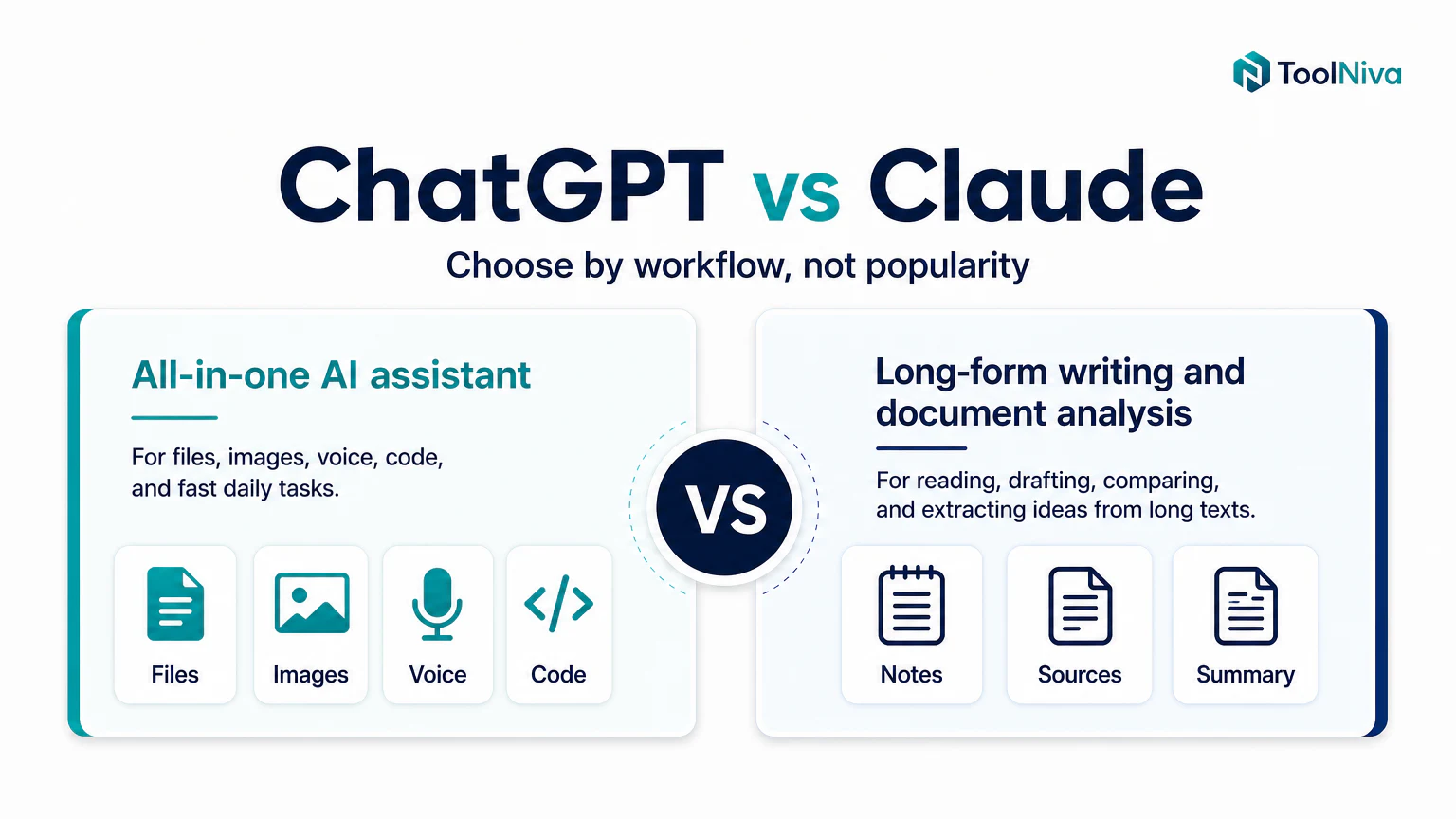
Choose ChatGPT if you want an all-purpose assistant for writing, files, images, voice, coding help, and fast switching between different tasks.
Choose Claude if your priority is better writing, long documents, careful editing, or conversations that need more context and nuance.
The useful answer is not “one always wins.” Use ChatGPT as the daily Swiss-army assistant and Claude as the stronger tool for reading, writing, and long-form reasoning.
Comparison table
| Criteria | ChatGPT | Claude |
|---|---|---|
| Best for | General use, tools, multimodal work | Writing, long documents, analysis |
| Learning curve | Very low | Very low |
| Natural writing | Very good | Excellent |
| Coding | Very strong | Very strong with long context |
| Web research | Depends on mode and plan | Depends on mode and plan |
| Ecosystem | Apps, integrations, many features | More focused experience |
| Main risk | Can feel too general | Less flexible as an all-in-one suite |
When ChatGPT makes more sense
ChatGPT is usually better if you jump between tasks: summarizing a meeting, creating an image, checking code, brainstorming, drafting an email, and turning the result into an action list.
Clear ChatGPT use cases
- You want one main tool for most tasks.
- You often work with files, images, or voice.
- You care about custom assistants or repeatable workflows.
- You value having many features in one account.
When Claude makes more sense
Claude stands out when text quality and long context matter more than having many extra tools. It often feels especially strong for editing, rewriting, comparing documents, and keeping a less mechanical tone.
Clear Claude use cases
- You write articles, proposals, scripts, long emails, or documentation.
- You review long documents and need reliable synthesis.
- You want sober answers with less promotional language.
- You use long instructions and need the model to stay on track.
Writing: who wins
For writing, Claude is often the first tool to test if you care about natural tone, precise editing, and fewer generic phrases. ChatGPT also writes well, but it usually needs more specific instructions to avoid a recognizable AI voice.
For SEO writing, do not ask for “an article.” Ask for:
- a search-intent outline,
- reader objections,
- concrete examples,
- and an edit pass to remove filler.
Coding: who wins
Both tools are strong for code. ChatGPT is often more comfortable if you use many surrounding tools. Claude can shine when you paste long files, logs, or architecture context before asking for changes.
The practical test is simple: use the same bug or feature in both tools and measure which one gives you executable steps, not just a polished explanation.
Research: who wins
If the task is research with sources, do not compare only ChatGPT and Claude. Add Perplexity or Gemini to the test. AI search quality changes a lot by plan, country, mode, and date.
To research well:
- ask for sources,
- open the sources,
- verify dates,
- separate facts from opinion.
Which one should you pay for first?
Pay for ChatGPT first if you want one subscription for many different tasks.
Pay for Claude first if your work clearly depends on reading, writing, synthesizing, or editing a lot of text.
If your budget is limited, run a real one-week test: five writing prompts, five research prompts, five coding prompts, and five admin prompts. The tool that needs fewer corrections wins.
Not ready to pay? See the best free ChatGPT alternatives. If research is your main use, read how to use Perplexity for research.
FAQ
ChatGPT or Claude for students?
Claude is often strong for summarizing readings and explaining long texts. ChatGPT is usually more versatile for studying, practice, flashcards, questions, and assignments.
ChatGPT or Claude for companies?
It depends on the workflow. Teams that want many features may prefer ChatGPT. Teams focused on documents, writing, and analysis may prefer Claude.
Which one is cheaper?
Prices and limits change often. Before paying, check each official pricing page and compare not only price, but usage limits, privacy, included features, and cancellation terms.