
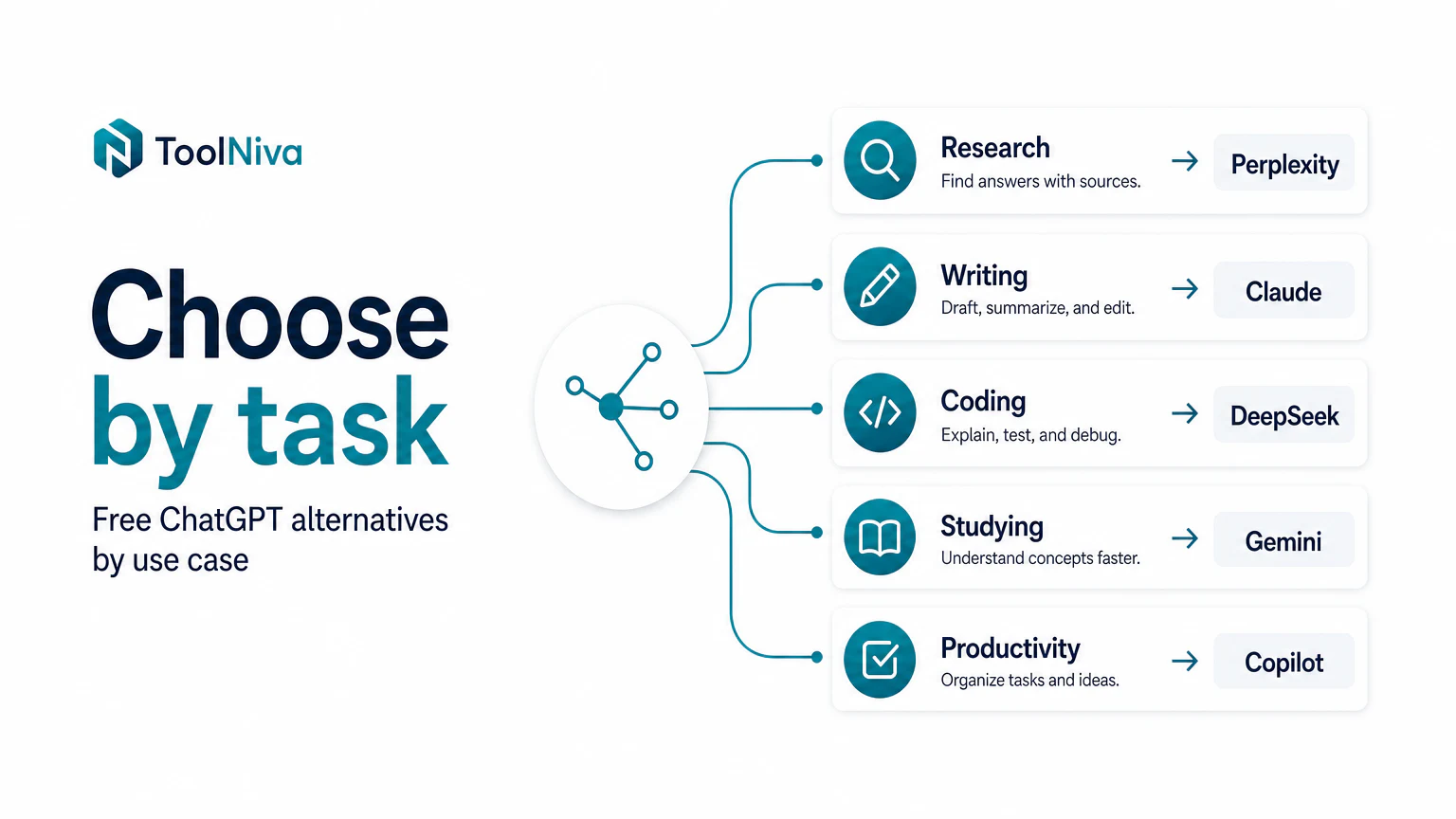
Quick verdict
The best free alternative to ChatGPT depends on what you need:
- For research with sources: Perplexity.
- For writing and document summaries: Claude.
- For Google Workspace users: Gemini.
- For general use inside Windows or Microsoft Edge: Copilot.
Do not search for “the best free AI” in the abstract. Search for the best tool for your repeated task.
Alternatives table
| Tool | Best for | Strength | Limit to watch |
|---|---|---|---|
| Perplexity | Research | Answers with sources | It does not replace reading the sources |
| Claude | Writing and documents | Natural tone and context | Free-plan limits |
| Gemini | Google Workspace | Google integration | Quality varies by task |
| Copilot | General use | Easy access from Microsoft | Less focused experience |
| DeepSeek | Coding and technical tasks | Strong for logic-heavy work | Privacy, data handling, and availability require extra caution |
Note on DeepSeek: treat it differently from a general productivity chatbot. It has faced regulatory scrutiny and government-device restrictions in several markets, so avoid entering sensitive business, client, legal, medical, or personal data unless your organization has reviewed the privacy and compliance implications.
1. Perplexity: alternative for research
Perplexity is interesting when your problem is not “chatting with AI,” but finding information and checking where it comes from.
Use it for
- preparing briefs,
- comparing products,
- finding recent sources,
- summarizing complex topics,
- collecting starting points for an article.
Avoid it for
- copying answers without checking sources,
- topics that require expert judgment,
- legal, medical, or financial decisions without primary sources.
2. Claude: alternative for better writing
Claude often works well when you need to transform text: summarize, rewrite, organize ideas, detect contradictions, or turn notes into a clear document.
Use it for
- important emails,
- long articles,
- documentation,
- PDF analysis,
- scripts and proposals.
3. Gemini: alternative if you use Google
Gemini makes sense if your work already lives inside Google: Gmail, Docs, Drive, Sheets, or Search. Its advantage is not always the isolated answer, but the ecosystem integration.
Use it for
- daily productivity,
- Google documents,
- quick searches,
- spreadsheet or draft support.
4. Copilot: alternative for general use
Copilot can be a good entry point if you already use Windows, Edge, or Microsoft 365. It is less specialized, but very accessible.
Use it for
- quick questions,
- summaries,
- Office help,
- general tasks where you do not want another app.
How to choose without wasting time
Run a 30-minute test:
- Pick one real task you do every week.
- Try it in two tools.
- Measure which one needs fewer corrections.
- Repeat with a different task.
The tool that performs better on your real work matters more than the one that wins a generic ranking.
Still deciding between the two biggest names? Read ChatGPT vs Claude. If research is your main use, read how to use Perplexity for research.
FAQ
Is there a completely free ChatGPT alternative?
Yes, but most tools have limits on usage, features, or models. The point of a free plan is to test the workflow before paying.
Which alternative is best for research?
Perplexity is usually the best first test because it structures answers with sources. Still, open the sources and verify dates.
Which alternative is best for writing?
Claude often stands out for tone and editing. ChatGPT can also do well, but it helps to specify voice, audience, and format.