
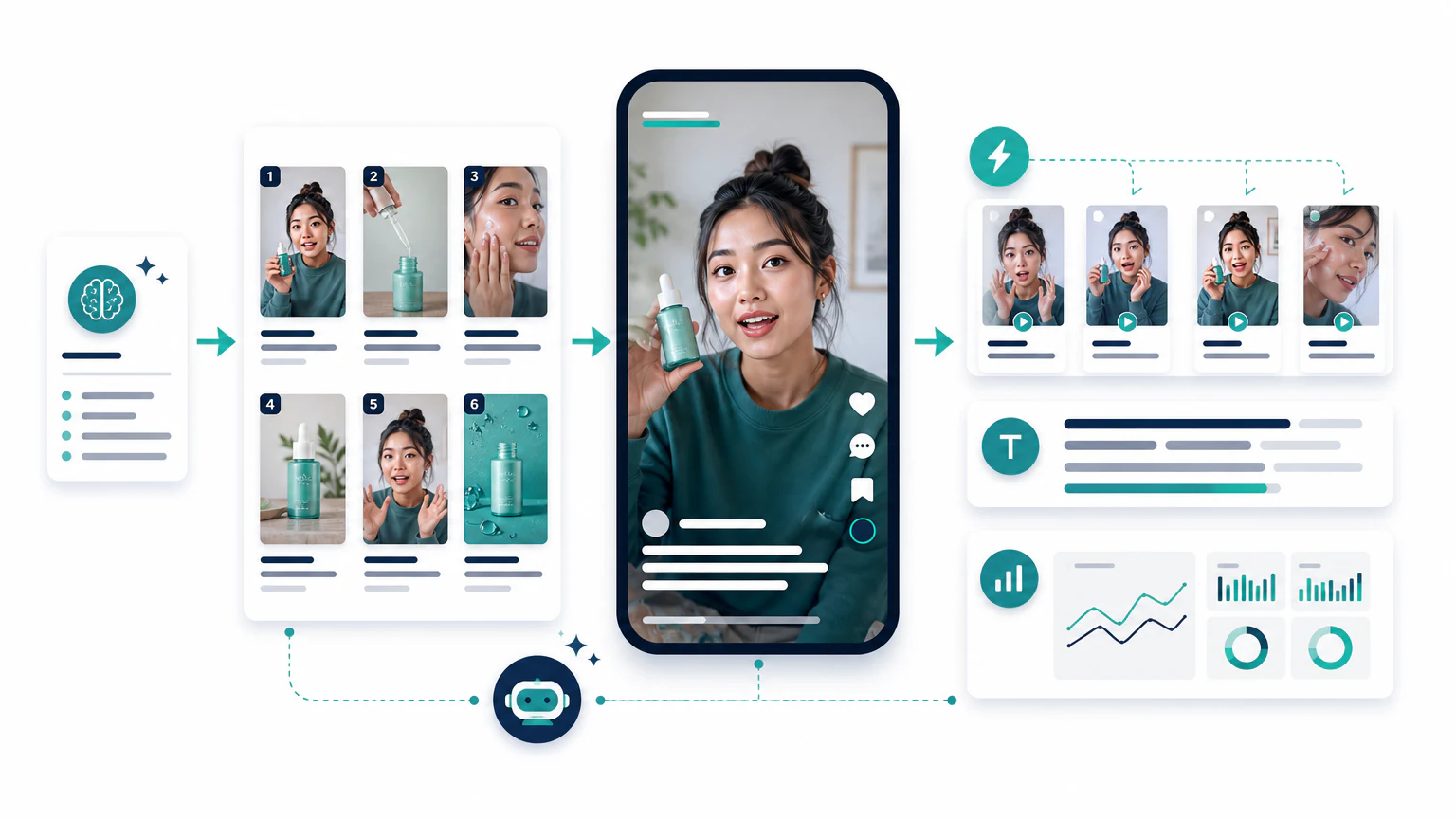
Quick workflow
To create TikTok ads with AI:
- Choose one product or offer.
- Write five short hooks.
- Generate a product video draft.
- Generate a UGC-style version.
- Add captions and vertical edits.
- Review for claims and platform fit.
- Test the best variations.
TikTok ads should not feel like generic commercials. They should feel like short, clear videos made for the feed.
This guide focuses on TikTok. For the platform-agnostic process, start with how to create ads with AI.
Step 1: Start with the hook
TikTok ads need a fast opening. Use AI to generate hooks before producing the video.
Prompt:
Write 15 TikTok ad hooks for a portable blender.
Audience: busy people who make smoothies at work or after the gym.
Keep each hook under 9 words.
Avoid exaggerated health claims.
Include problem, curiosity, and routine angles.
Good hooks are specific:
- “Smoothies without a full kitchen.”
- “Your gym bag blender.”
- “Blend it at your desk.”
Step 2: Create the product video
Use an AI TikTok ad generator to create a vertical product video from your product image, product page, or script.
Tools to evaluate:
Structure:
- Hook.
- Product in use.
- Benefit.
- Short proof or reason.
- CTA.
Step 3: Create a UGC-style version
TikTok often rewards videos that feel like creator content. AI UGC tools can help generate these formats quickly.
Tools to evaluate:
Example script:
I wanted smoothies after the gym, but I hated carrying a big bottle.
This portable blender is small enough for my bag and charges by USB.
I use it for quick shakes when I am not at home.
Keep it honest. Do not invent personal results or fake customer testimonials.
Step 4: Add captions and edit for mobile
Before publishing, make sure:
- captions are readable,
- the product is visible early,
- the frame is vertical,
- dead time is removed,
- text does not cover the product,
- the CTA appears clearly.
Tools like CapCut AI and VEED can help with captions, cuts, and mobile formatting.
Step 5: Test variations
Create a small test set:
- Variation A: problem hook with a product demo.
- Variation B: curiosity hook with a UGC-style video.
- Variation C: benefit hook with an avatar explanation.
Compare watch time, click-through rate, conversion rate, and comments. Do not keep the version that only gets views if it does not bring buyers.
Tool shortcut
For tool selection, read best AI TikTok ad generators. For broader video tools, read best AI video ad generators.
Common mistakes
- Reusing a horizontal ad. TikTok is 9:16. A landscape video with black bars gets skipped. Export vertical.
- Slow openings. If the hook does not land in the first two seconds, watch time collapses. Lead with it.
- An overproduced look. Ads that look like polished TV spots underperform native, creator-style clips. Keep it raw.
- Inventing testimonials. Fake personal results break trust and can breach TikTok policy. Keep UGC scripts honest.
- Ignoring sound. Unlike Facebook feed, TikTok is watched with sound on. A clear voice and fitting audio matter.
FAQ
Can you create TikTok ads with AI?
Yes. AI tools generate hooks, vertical product videos, UGC-style clips, captions, and edits ready for TikTok Ads Manager or organic posting. You still choose the product, offer, and budget.
What is the best AI tool for TikTok ads?
It depends on the format. Creatify and InVideo AI turn a product page or image into vertical video, Arcads and HeyGen create UGC-style and avatar clips, and CapCut AI handles captions and edits. See best AI TikTok ad generators.
Do AI TikTok ads work as well as real creator videos?
They can for testing and scale, but the best results usually mix AI drafts with a native, honest tone. TikTok users skip anything that feels like a generic commercial.
How long should a TikTok ad be?
Most ads that perform run 9 to 21 seconds. Lead with the hook in the first two seconds and keep only what moves the viewer toward the offer.
Is AI-generated UGC allowed on TikTok?
Yes, but disclose synthetic creators or voices where TikTok or local rules require it, and never fake personal results or testimonials.
Final recommendation
Use AI to move faster from hook to video draft. Use judgment to decide which draft feels native, honest, and clear enough for TikTok.