
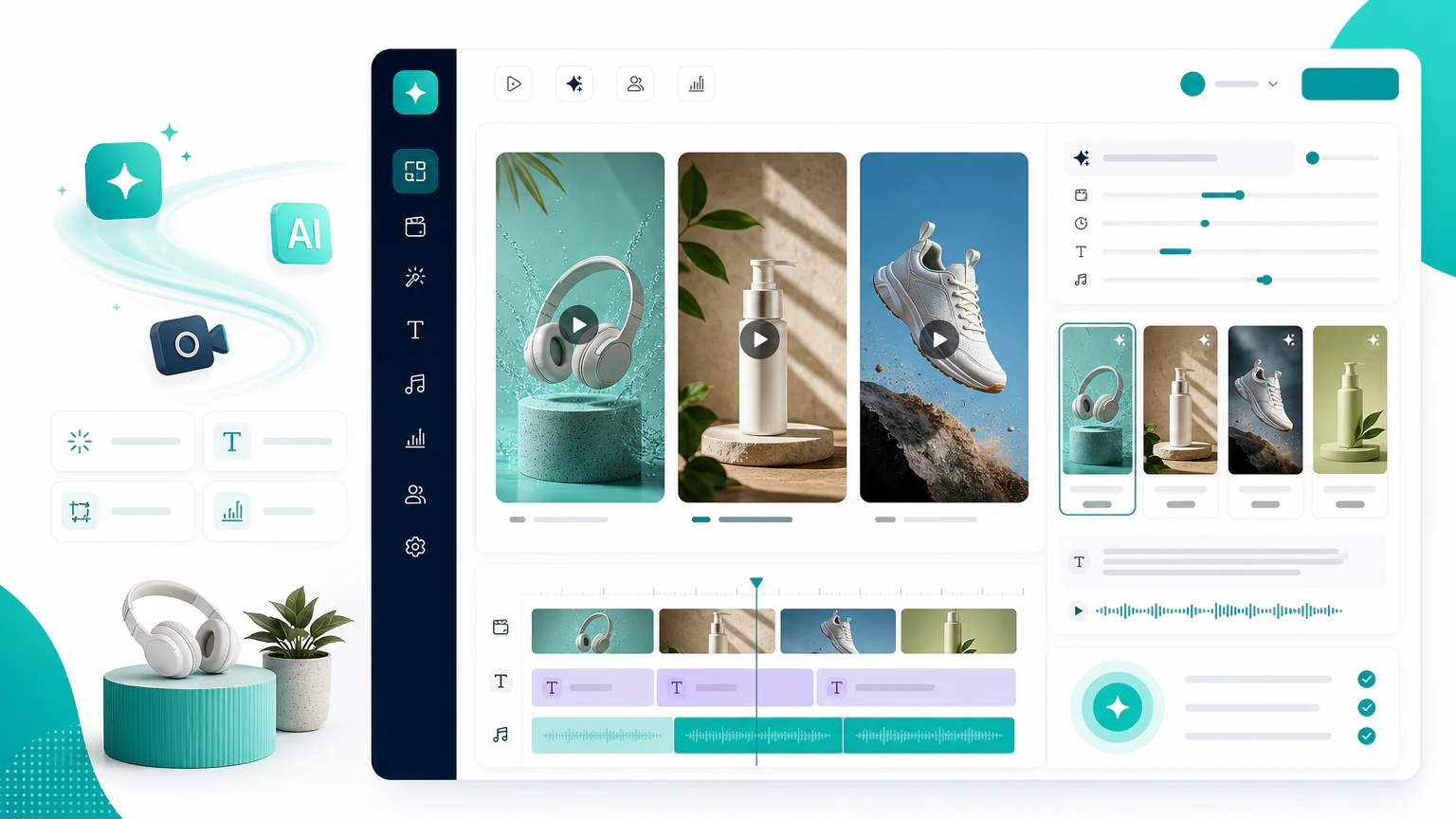
Quick verdict
The best AI video ad generator depends on the video format you need. Some people search for an AI video ad creator, AI video ad maker, AI marketing video generator, or AI product video generator. Those terms overlap, but they do not always mean the same workflow.
If you need the broader category beyond video, compare the dedicated guide to best AI ad maker tools.
- For product video ads: Creatify.
- For UGC-style ads: Arcads.
- For avatar-led explainers: HeyGen or Synthesia.
- For cinematic or commercial-style footage: Runway or Pika.
- For simple social videos: InVideo AI or Pictory.
Do not choose an AI video tool only because it can generate moving footage. Choose it by the ad job: product demo, founder-style explanation, avatar read, UGC-style testimonial, social cutdown, or campaign variation.
Three types of AI video ad tools
AI video ad generators are often grouped together, but they solve different problems.
| Type | Best for | Example tools |
|---|---|---|
| Product video generators | Turning a product page or asset into ad videos | Creatify, InVideo AI |
| UGC and avatar generators | Presenter-led ads and scripted videos | Arcads, HeyGen, Synthesia |
| Generative video tools | Commercial scenes, motion concepts, visual experimentation | Runway, Pika, Kling AI |
If you are selling products online, you will often combine more than one category. For example, use an AI product photo generator for the main visuals, then create product videos and UGC-style variants for testing.
Comparison table
| Tool | Best for | Strength | Limit to watch |
|---|---|---|---|
| Creatify | Product video ads | Fast ad concepts from product inputs | Needs review for brand voice and claims |
| Arcads | UGC-style ad videos | Creator-style scripts and presenters | Avatar realism and disclosure matter |
| HeyGen | Avatar videos | Presenter-led explainers and localization | Can feel corporate if not scripted well |
| Synthesia | Business video | Polished avatar-led communication | Less native to scrappy UGC ads |
| Runway | Commercial visuals | Creative motion and generated footage | Requires editing and creative direction |
| Pika | Short creative clips | Visual experimentation | Not a full ad workflow by itself |
| InVideo AI | Social videos | Easy video assembly | Output can feel template-like |
| Pictory | Repurposing content | Turning text into video | Better for summaries than performance ads |
AI video ad generator vs creator vs maker
These keywords are close, but the intent can differ:
- AI video ad generator: usually means a tool that can create a finished video ad or a strong draft.
- AI video ad creator: often suggests more editing control, scripts, scenes, and campaign structure.
- AI video ad maker: usually implies an easier workflow for beginners or small teams.
- AI product video generator: specifically points to product-led e-commerce video ads.
- AI TikTok ad generator: points to short, native-looking vertical creatives.
1. Creatify
Creatify is a practical first option for e-commerce teams that want to turn products into short ad videos. It is designed closer to ad production than pure generative video.

Best for
- Product-led video ads.
- E-commerce landing pages.
- Social ad variations.
- Teams that want speed over heavy editing.
If your search is “AI product video generator,” Creatify is one of the clearest categories to evaluate first.
Watch out for
Review every product claim, discount, comparison, and guarantee. AI can draft an ad, but the brand is responsible for accuracy.
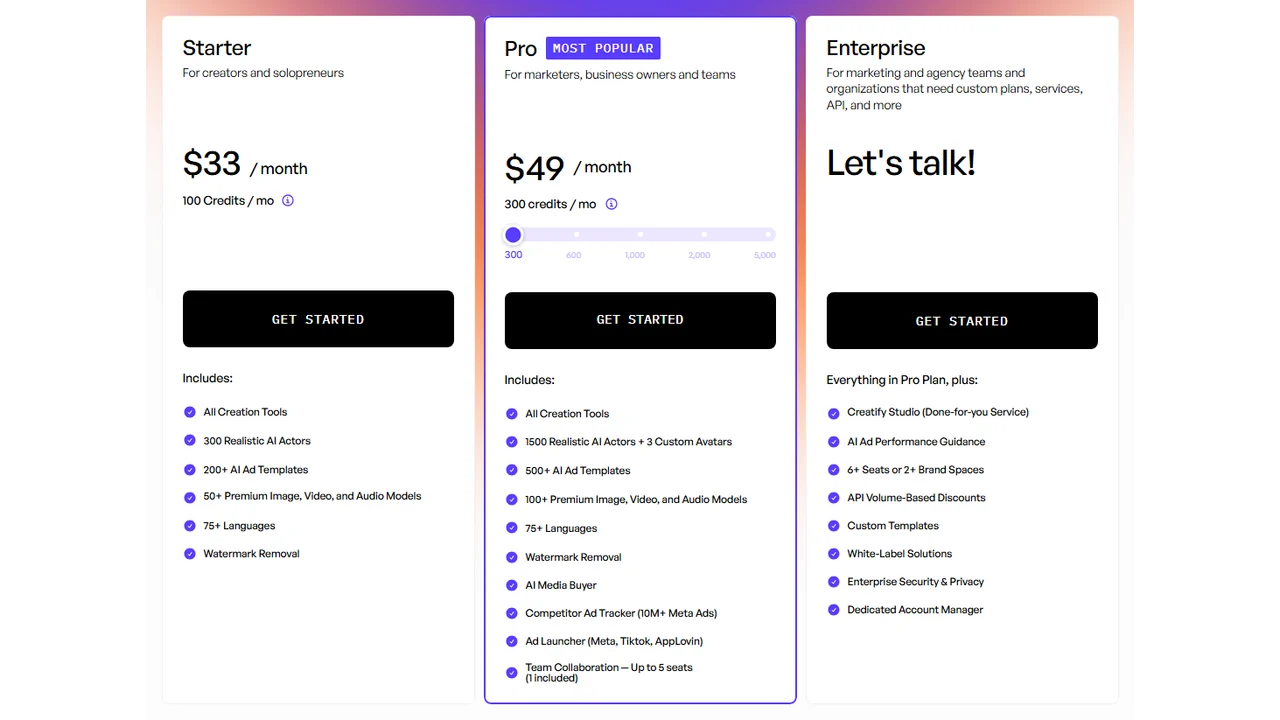
Pricing screenshot note: Creatify prices, credits, AI actor access, template limits, ad guidance, API discounts, and enterprise terms can change and may vary by region, currency, taxes, billing cycle, promotions, and account type, so verify the current details on the official site before buying.
2. Arcads
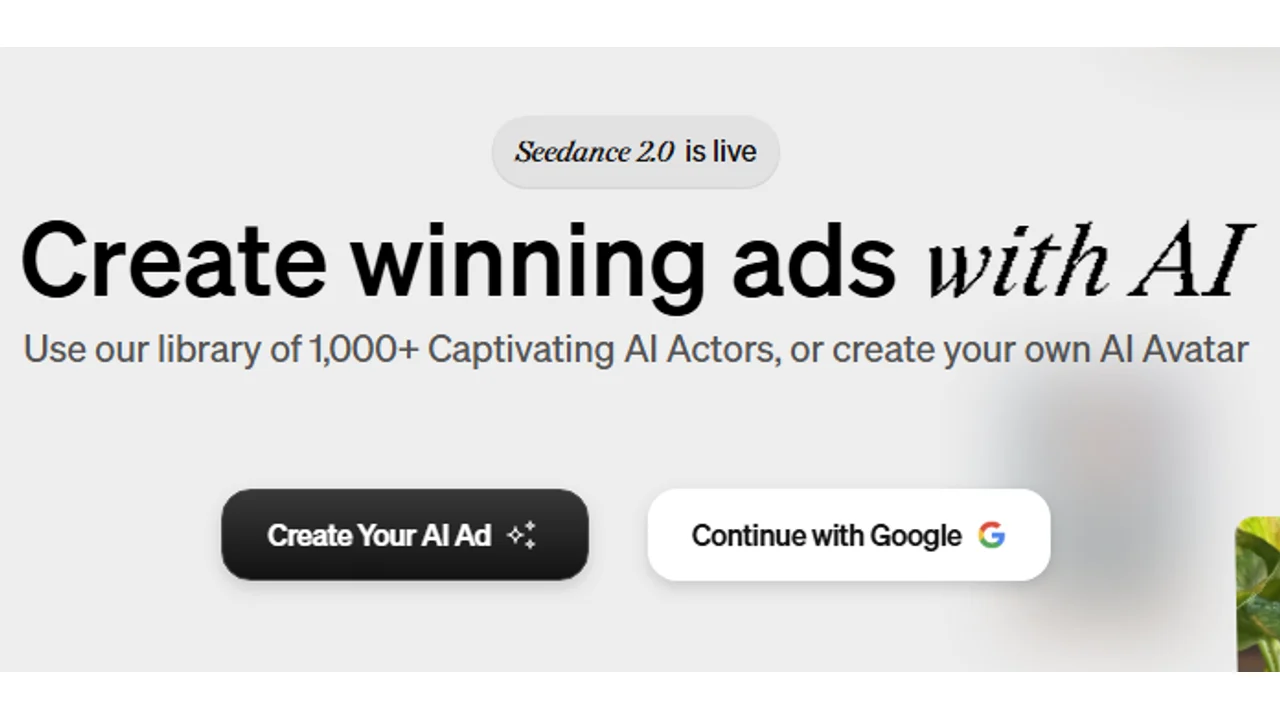
Arcads is focused on UGC-style ads, where the video looks closer to a creator speaking about a product than a traditional brand commercial.
Best for
- Creator-style scripts.
- Short social ads.
- UGC testing without filming each variation.
- Brands that need multiple hooks and angles.
Watch out for
UGC-style does not mean fake authenticity. Make disclosures and platform rules part of the workflow, especially when using avatars or synthetic presenters.
3. HeyGen
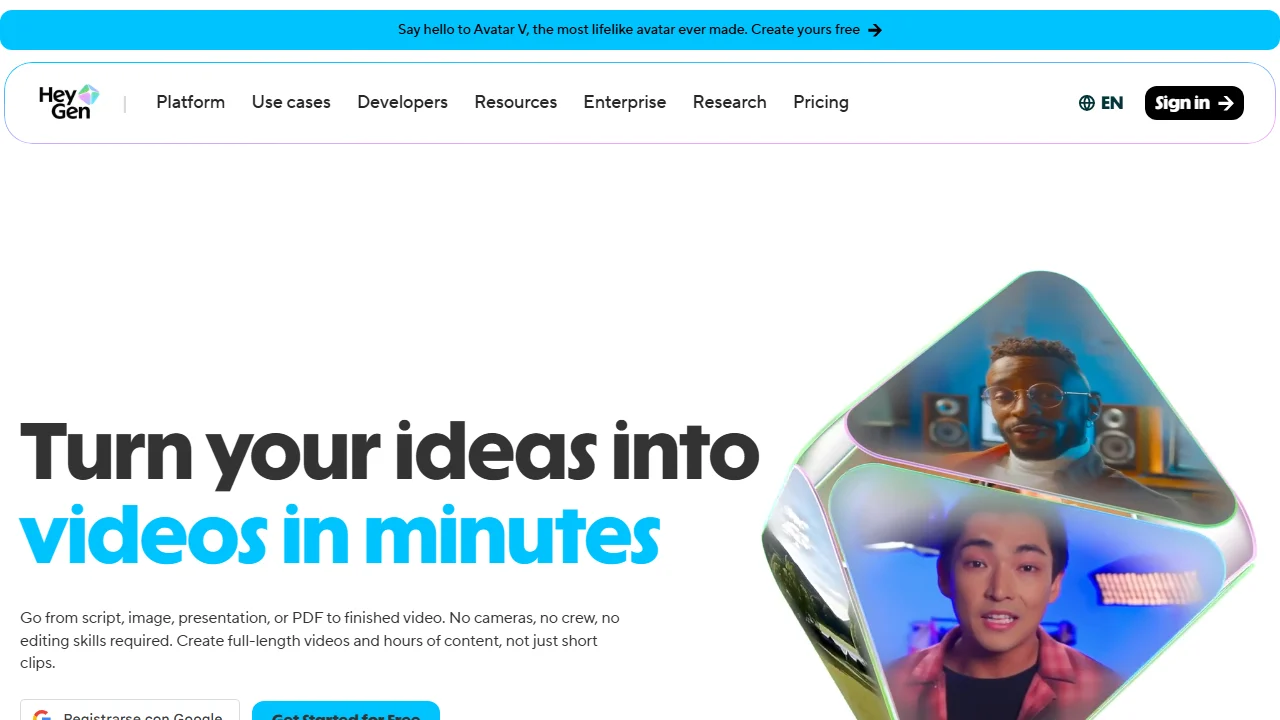
HeyGen is useful for avatar-led videos, product explainers, onboarding videos, and localized versions of the same message.
Best for
- Avatar presentations.
- Multilingual videos.
- Explainers and demos.
- Founder-style or educator-style scripts.
Watch out for
An avatar video succeeds or fails on the script. If the script sounds generic, the video will feel generic even if the avatar looks polished.
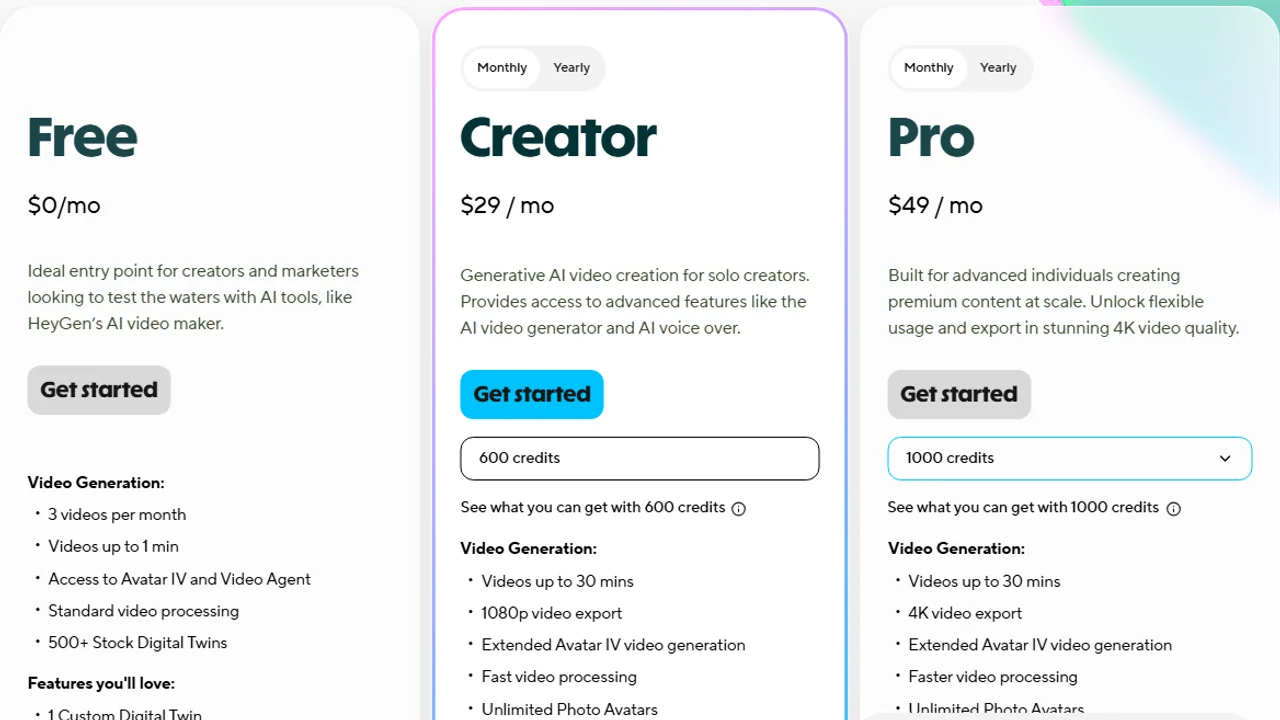
Pricing screenshot note: HeyGen prices, credits, and plan limits can change and may vary by region, currency, taxes, billing cycle, promotions, and account type, so verify the current details on the official site before buying.
4. Synthesia
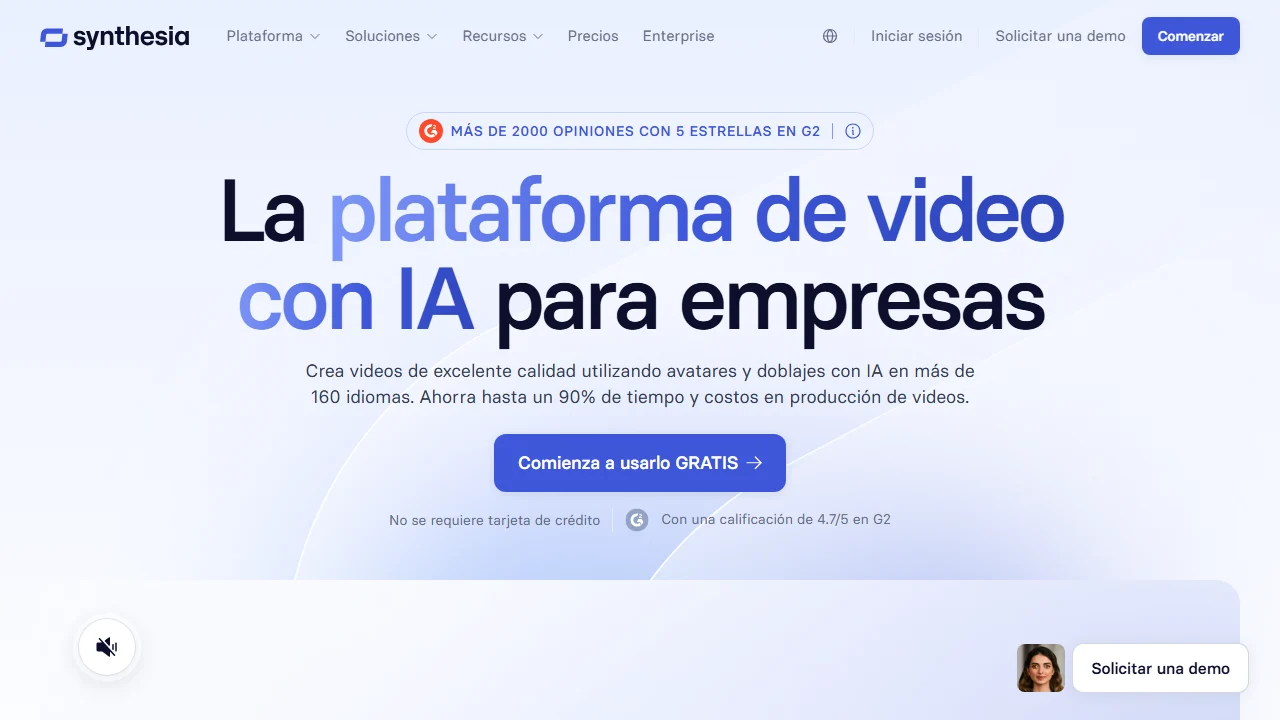
Synthesia is a strong fit for structured, professional videos. It is often more appropriate for business communication, training, onboarding, and polished explainers than raw social UGC.
Best for
- Professional presenter videos.
- Training and internal communication.
- Brand-safe explainers.
- Teams that prefer consistency.
Watch out for
For direct-response ads, a cleaner corporate style can feel less native to TikTok, Reels, or Shorts.
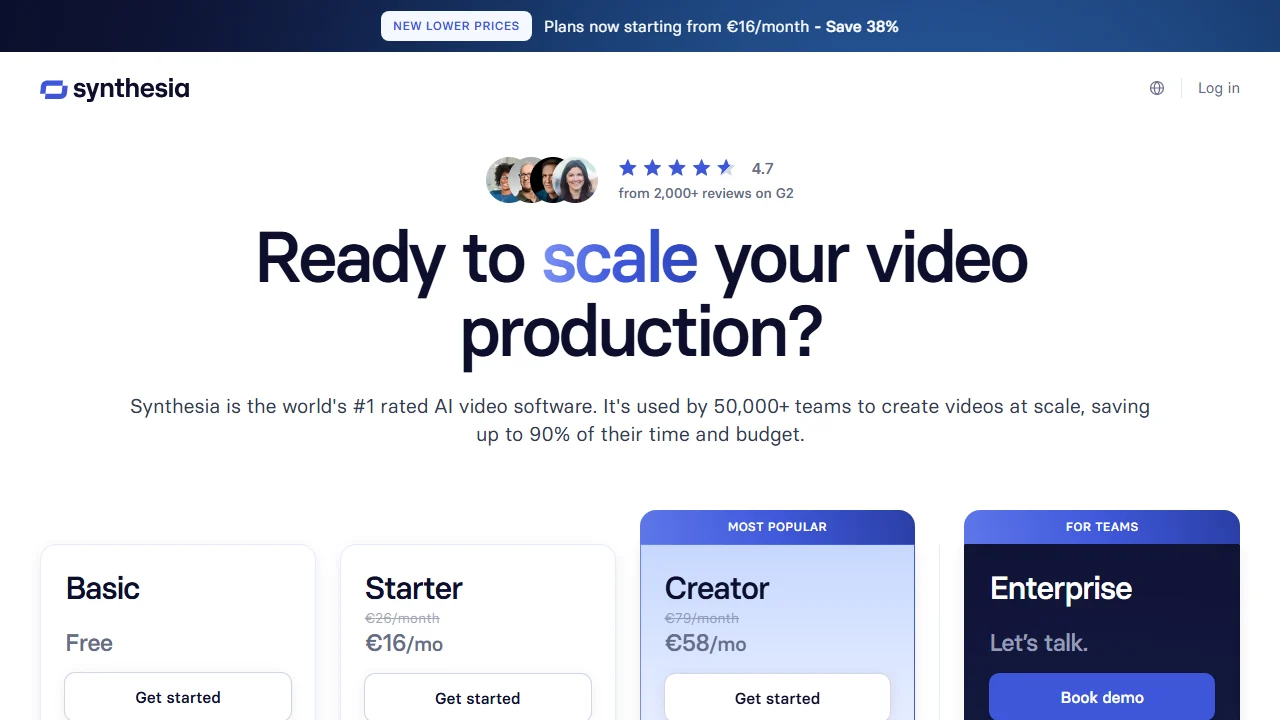
Pricing screenshot note: Synthesia prices, credits, video minutes, avatar limits, and enterprise terms can change and may vary by region, currency, taxes, billing cycle, promotions, and account type, so verify the current details on the official site before buying.
5. Runway
Runway is better understood as a creative video generation and editing tool than a one-click ad maker. It can help generate scenes, motion, transitions, and commercial-style visuals.
Best for
- Visual experimentation.
- Commercial-style shots.
- Motion concepts.
- Creative teams with editing skills.
Watch out for
It will not automatically solve the whole advertising workflow. You still need a hook, offer, structure, edit, CTA, and platform-specific format.
6. Pika and Kling AI
Pika and Kling AI fit the generative video category. They can be useful for visual ideas, short clips, mood shots, and concept development.
Best for
- Short generated clips.
- Concept exploration.
- Visual B-roll.
- Creative tests.
Watch out for
Use them carefully for product-specific ads. If the product changes shape, color, packaging, or material, the clip may look impressive but become commercially unusable.
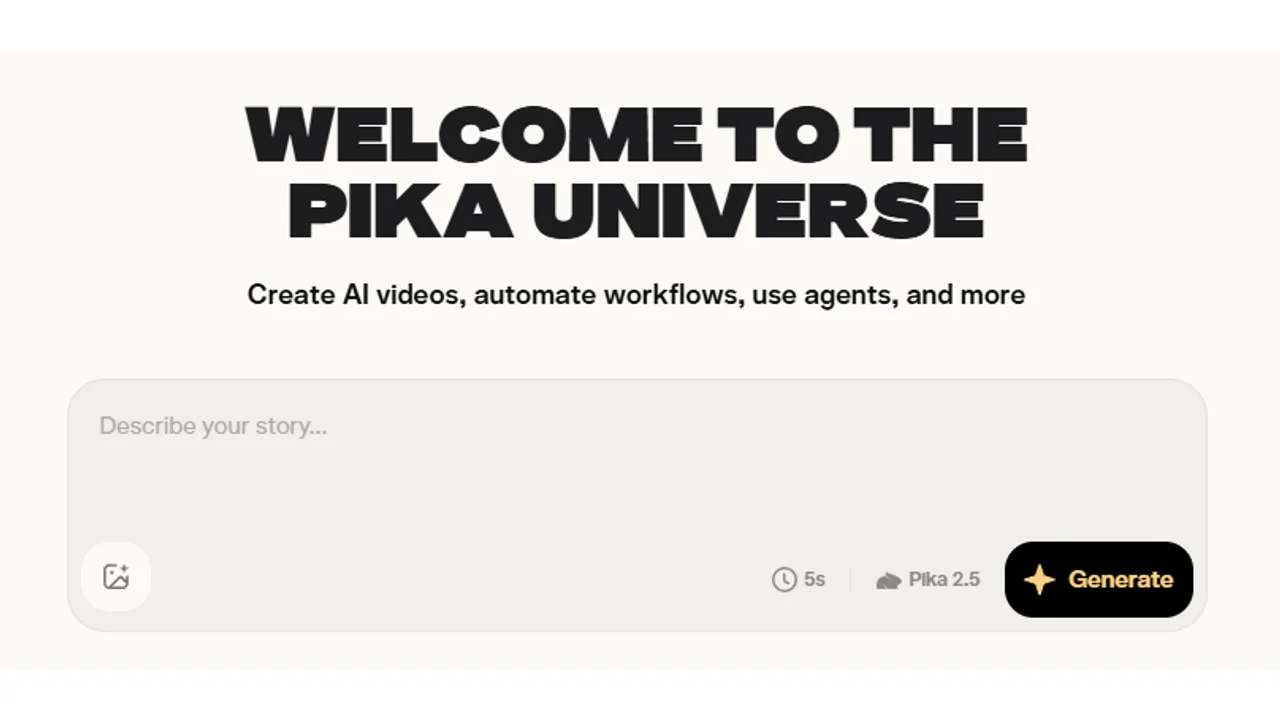
Pricing note: Pika does not currently show a clear public pricing table on the website, and access can vary by region, account type, rollout status, billing cycle, and promotion, so verify plan access, usage limits, and billing details directly inside Pika before relying on it for production.
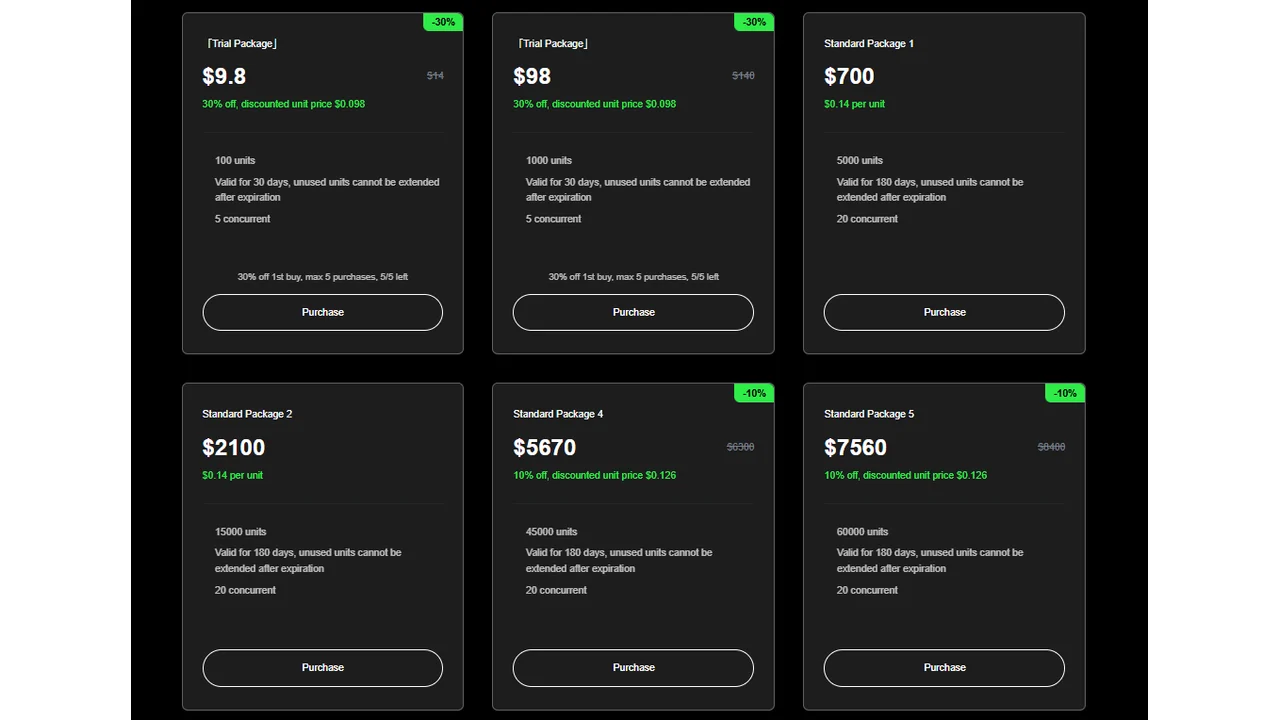
Pricing note: Kling AI pricing is unit-based for API usage. Units are consumed differently depending on the model and generation settings, and packages can vary by region, currency, taxes, billing cycle, promotions, and account type, so review the current unit rules and package details on Kling’s website before estimating production cost.
7. InVideo AI and Pictory
InVideo AI and Pictory are useful when the goal is to assemble videos quickly from text, scripts, blog posts, or existing material.

Best for
- Social videos.
- Repurposing content.
- Explainer-style assets.
- Teams that need simple video output.
Watch out for
Template-based videos can look similar across brands. Add specific product visuals, clearer hooks, and human editing where possible.
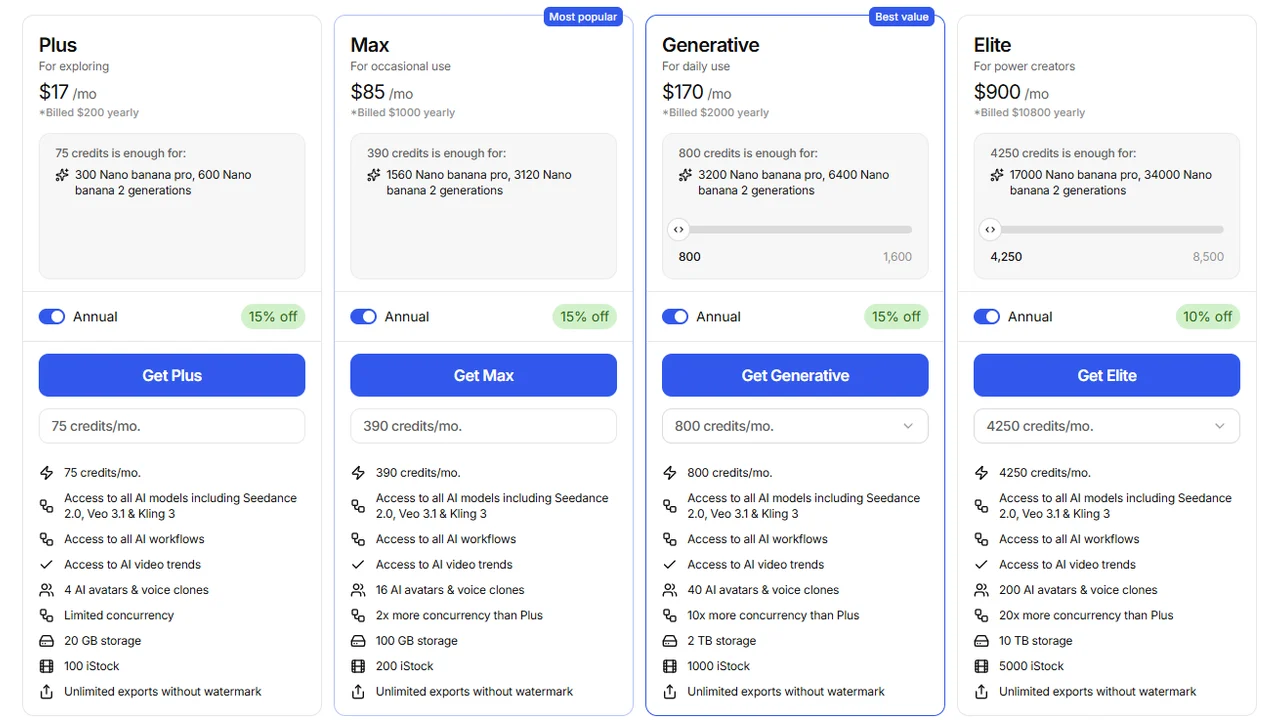
Pricing screenshot note: InVideo prices, credits, and plan limits can change and may vary by region, currency, taxes, billing cycle, promotions, and account type, so verify the current details on the official site before buying.
This group is often a better fit for “AI marketing video generator” searches than for highly specific product demos.
How to choose
Use this decision path:
- Need an ad from a product page? Start with Creatify.
- Need product-video-specific tools? Read best AI product video generators.
- Need ecommerce-specific video tools? Read best AI ecommerce video generators.
- Need creator-style ads? Compare Arcads and HeyGen.
- Need professional avatar videos? Compare HeyGen and Synthesia.
- Need dedicated avatar ads? Read best AI avatar ad generators.
- Need generated commercial visuals? Try Runway or Pika.
- Need simple social videos from text? Try InVideo AI or Pictory.
- Need TikTok-style ad drafts? Start with best AI TikTok ad generators.
- Need Facebook video creatives? Read best AI Facebook ad video generators.
For a complete workflow, read how to create ads with AI. If your main format is creator-style content, compare the dedicated AI UGC ad generators instead.
Video ad review checklist
Before launching an AI-generated video ad, check:
- The first three seconds are clear.
- Product claims are accurate.
- The CTA matches the landing page.
- The product is not visually distorted.
- Captions are readable on mobile.
- The format fits the platform.
- Music, voice, avatar, and assets are licensed for your use.
- Synthetic presenters are disclosed when required.
FAQ
What is the best AI video generator?
It depends on the use. For ecommerce, Creatify. For UGC, Arcads. For avatars, HeyGen or Synthesia. For generative clips, Runway, Pika, or Kling.
Can you create AI videos for free?
Yes, many tools have free plans or trials, but they usually include limits on credits, length, export, or a watermark.
Which tool is best for text-to-video AI?
InVideo AI and Pictory are good first options for turning scripts, posts, or text into social videos. For generative clips, look at Pika, Runway, or Kling.
Which AI video generator works for ads?
Creatify and Arcads are good first tests for ads. HeyGen and Synthesia work better for presenter-led videos or explainers.
Can I use AI videos in advertising?
Yes, but check rights, claims, platform policies, and disclosure of synthetic content.
Final recommendation
AI video ad tools are best for producing more variations, faster. They are not a shortcut around positioning, offer, compliance, or editing.
Start with one product, create three hooks, generate three video styles, and compare which format gives you the clearest message before scaling production.