
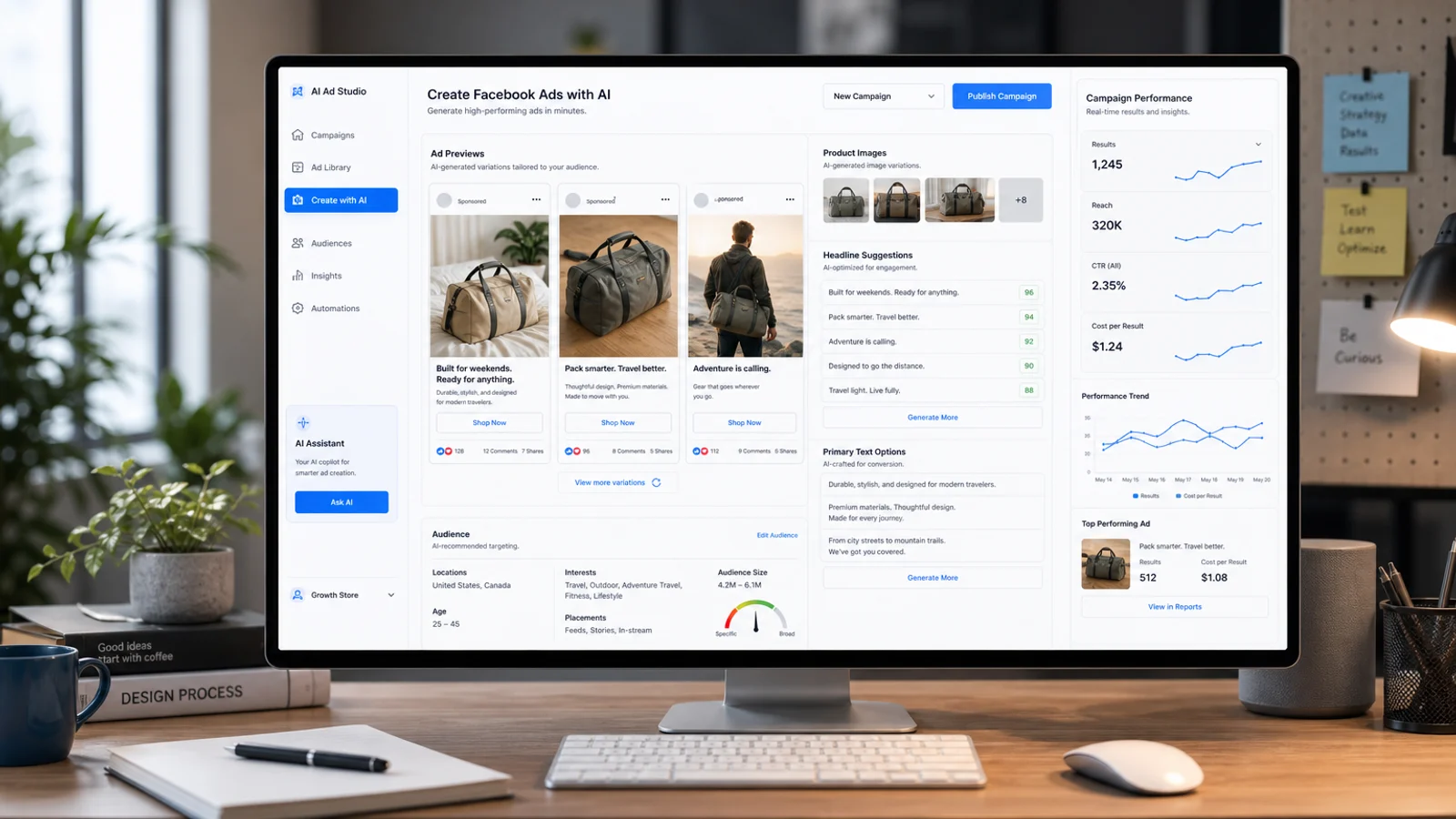
Quick workflow
To create Facebook ads with AI:
- Define the offer and audience.
- Generate ad angles and copy.
- Create product visuals.
- Build static ads.
- Create video and UGC-style versions.
- Adapt for Meta placements.
- Review and test.
Facebook ads still need strategy. AI helps you create more variants, but it does not decide the offer, positioning, or customer psychology.
This guide focuses on Meta. For the platform-agnostic process, start with how to create ads with AI.
Step 1: Define the offer
Before opening any tool, write:
- audience,
- product,
- problem,
- benefit,
- proof,
- CTA,
- destination page.
Example:
Audience: first-time dog owners
Product: washable dog bed
Problem: odor and mess
Benefit: removable cover and easy cleaning
CTA: Shop washable dog beds
Step 2: Generate Facebook ad copy
Use AI to create multiple angles:
Write 12 Facebook ad hooks for a washable dog bed.
Audience: first-time dog owners.
Tone: clear and practical.
Avoid exaggerated claims.
Include problem, benefit, and comparison angles.
Then choose the clearest hooks. Avoid vague phrases like “transform your life” unless the product actually supports that promise.
Step 3: Create visual assets
Use AI tools to create or improve:
- product photos,
- lifestyle images,
- square ads,
- vertical Story/Reels assets,
- video thumbnails.
Tools to evaluate:
Step 4: Create video ads
For video, evaluate:
- Creatify,
- Arcads,
- InVideo AI,
- HeyGen,
- VEED.
Create at least three versions:
| Version | Format | Goal |
|---|---|---|
| Product demo | Show the item | Clarity |
| UGC-style | Creator-style explanation | Trust |
| Avatar explainer | Presenter-led education | Context |
For tool selection, read best AI Facebook ad generators and best AI Facebook ad video generators.
Step 5: Adapt for Meta placements
Facebook ads may appear in feed, Stories, Reels, Marketplace, and placements across Meta. Create versions that work in:
- square,
- vertical,
- captioned video,
- static image,
- carousel if relevant.
Match the aspect ratio to the placement so Meta does not crop the creative:
| Placement | Aspect ratio |
|---|---|
| Feed image and video | 1:1 or 4:5 |
| Stories and Reels | 9:16 |
| Right column | 1:1 |
Keep the logo, offer, and CTA inside the central safe zone so the Stories and Reels interface does not cover them. Meta re-compresses uploads, so export at the highest quality your tool allows. Make sure the creative works without sound. Captions matter.
Step 6: Review before launch
Check:
- product accuracy,
- claim accuracy,
- spelling,
- landing page match,
- mobile readability,
- CTA clarity,
- platform policy risk,
- synthetic presenter disclosure when needed.
Step 7: Test carefully
Start with a simple test:
- one audience,
- three creatives,
- one offer,
- one landing page.
Do not change everything at once. If every variable changes, you will not know what worked.
Common mistakes
- Using one creative for every placement. A 1:1 feed image looks broken in 9:16 Reels. Export each ratio.
- Letting AI invent product claims. Meta can reject ads with unverifiable promises, and false claims erode trust. Check every benefit against the product.
- Skipping the sound-off test. Most Facebook video is watched muted. If the ad makes no sense without audio, add captions or on-screen text.
- Testing too many variables. Changing audience, offer, and creative at once hides what actually worked.
- Forgetting disclosure. When you use an AI avatar or synthetic voice, disclose it where Meta or local rules require.
FAQ
Can you create Facebook ads with AI?
Yes. AI can generate ad copy, static creatives, product visuals, and video or UGC-style ads that you upload to Meta Ads Manager. AI speeds up production, but you still choose the offer, audience, and budget.
What is the best AI tool for Facebook ads?
There is no single best tool. AdCreative.ai and Canva are strong for static creatives and copy, while Creatify, Arcads, and HeyGen focus on video and UGC-style ads. Compare options in best AI Facebook ad generators.
Can AI write Facebook ad copy that passes Meta review?
AI can write compliant copy if you prompt it to avoid personal attributes, exaggerated claims, and prohibited content. Always review the output against Meta’s advertising policies before launching.
Do AI Facebook ads perform as well as human-made ads?
They can, when the offer and targeting are solid. AI mainly helps you test more angles faster. Weak positioning is not fixed by a higher volume of creatives.
How much does it cost to create Facebook ads with AI?
Most AI ad tools run on monthly plans from around $20 to $100+, separate from your Meta ad spend. Many offer free tiers you can use to test the workflow before paying.
Final recommendation
AI can create Facebook ads faster, but your job is to protect quality. Use AI for variations, then launch only the ads that make the offer clearer.