
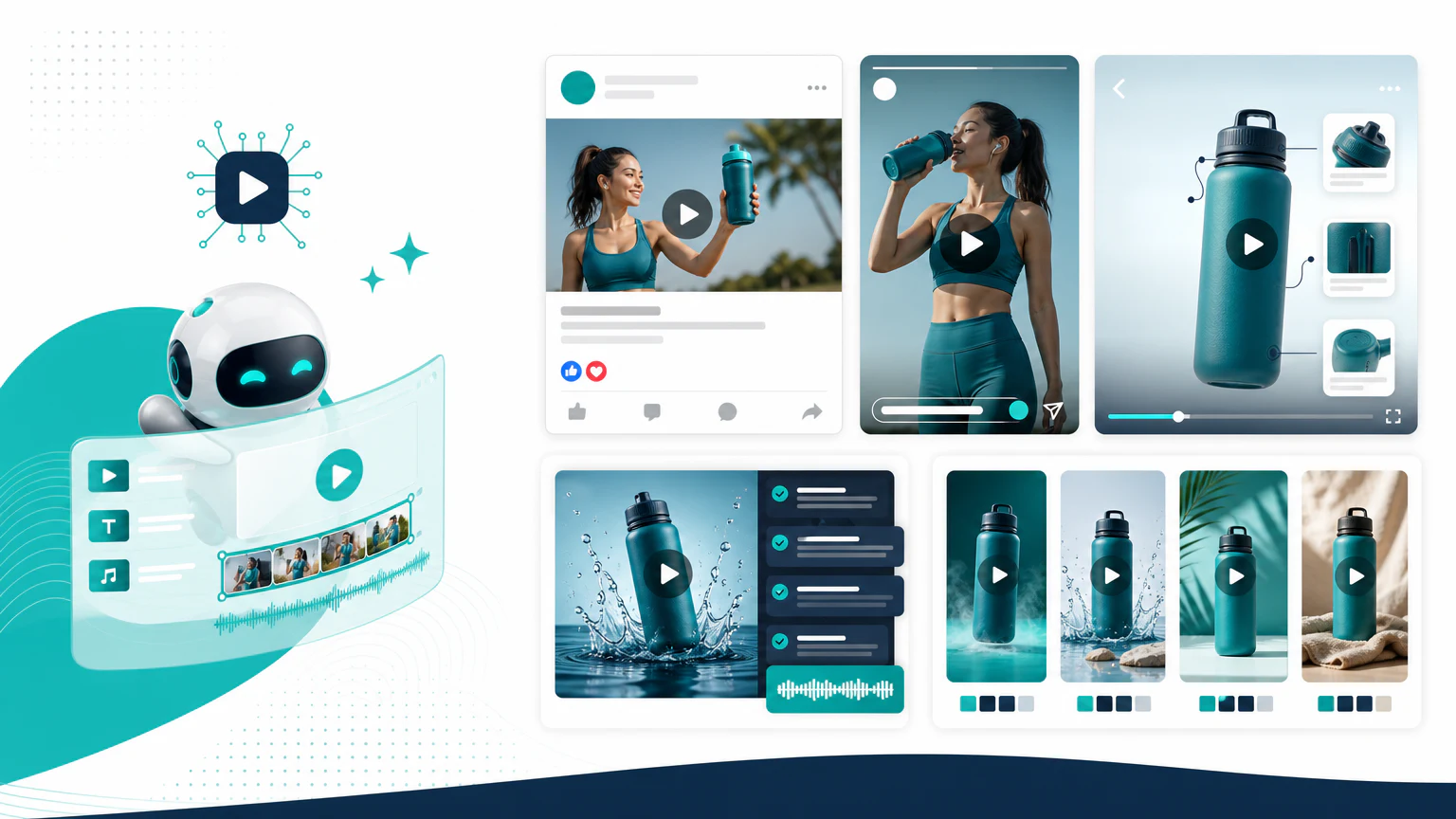
Quick verdict
The best AI Facebook ad video generator depends on the format:
- For product video ads: Creatify.
- For UGC-style Facebook ads: Arcads.
- For quick video assembly: InVideo AI.
- For avatar explainers: HeyGen or Synthesia.
- For editing and captions: VEED or Canva.
Facebook video ads can work in feed, Stories, Reels, and placements across Meta. That means the best tool is the one that helps you create multiple versions without losing message clarity.
Comparison table
| Tool | Best for | Strength | Limit to watch |
|---|---|---|---|
| Creatify | Product Facebook video ads | Product-led video generation | Review claims and offers |
| Arcads | UGC-style Meta ads | Creator-style videos | Disclosure and trust matter |
| InVideo AI | Fast video assembly | Simple social videos | Can feel template-like |
| HeyGen | Avatar explainers | Presenter-led videos | Needs a concise script |
| Synthesia | Professional avatar ads | Polished presenter format | Less native to casual social |
| Pictory | Repurposed content | Turns text into video | Better for educational clips |
| VEED | Editing and captions | Useful for social polish | Not a full ad strategy |
| Canva | Simple creatives | Easy layouts and edits | Less specialized for video ads |
What Facebook video ads need in 2026
Meta rewards volume and a native feel, so a Facebook-specific tool should make it easy to:
- Export every ratio: 1:1 and 4:5 for feed, 9:16 for Stories and Reels, from one project.
- Work sound-off: burned-in captions and a clear first frame, because most feed video is muted.
- Hook in three seconds: the opening decides whether Meta keeps serving the ad.
- Feed Advantage+: enough variations for Meta’s automated campaigns to test.
- Stay policy-safe: no unverifiable claims or restricted content that gets an ad rejected.
The creative still needs a real offer. AI cannot fix a vague message.
1. Creatify
Creatify fits product-led Facebook video ads where you need to turn product inputs into short ad concepts.
Best for
- Ecommerce brands.
- Product demos.
- Meta campaign variations.
- Direct-response creatives.
Watch out for
Make sure the generated ad matches the landing page and does not invent product benefits.
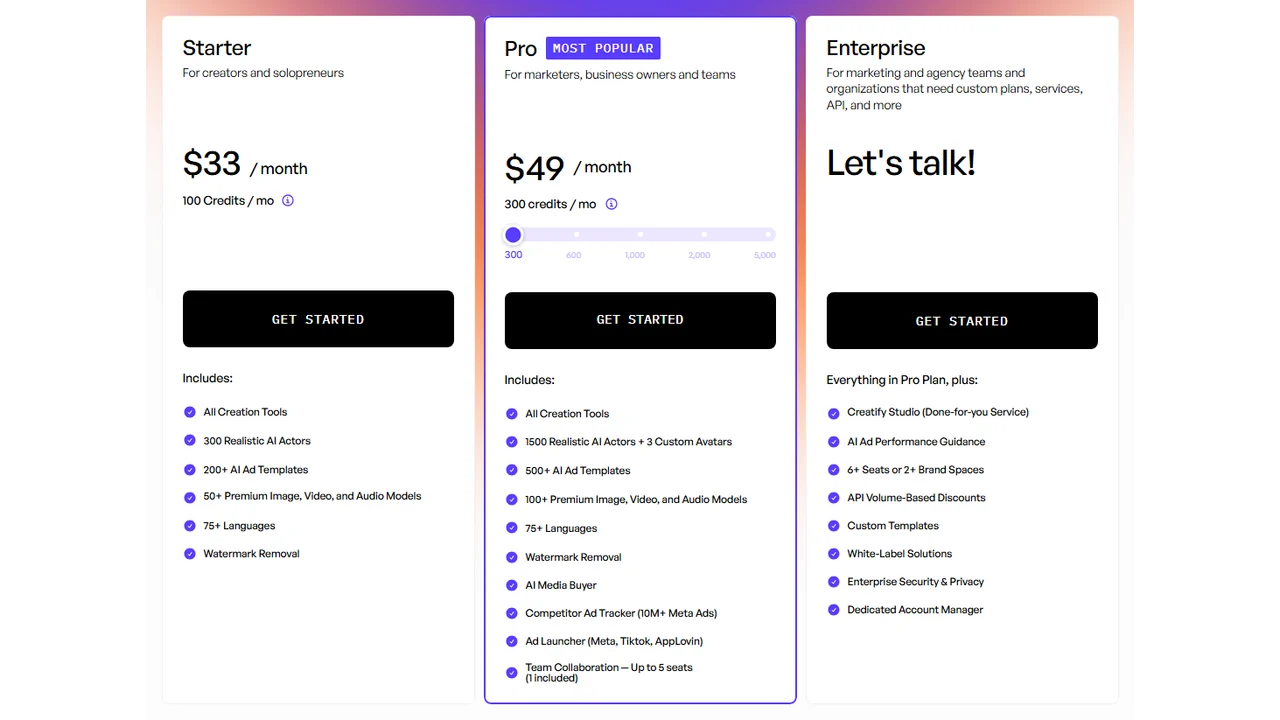
Pricing screenshot note: Creatify prices, credits, AI actor access, template limits, ad guidance, API discounts, and enterprise terms can change and may vary by region, currency, taxes, billing cycle, promotions, and account type, so verify the current details on the official site before buying.
2. Arcads
Arcads fits UGC-style Facebook and Instagram ad concepts.
Best for
- Creator-style ads.
- DTC brands.
- Hook testing.
- Short social scripts.
Watch out for
If the ad implies a real customer story, you need real customer proof.
3. InVideo AI, VEED, and Canva
InVideo AI, VEED, and Canva are useful when you need quick edits, captioned videos, or simple creative production.
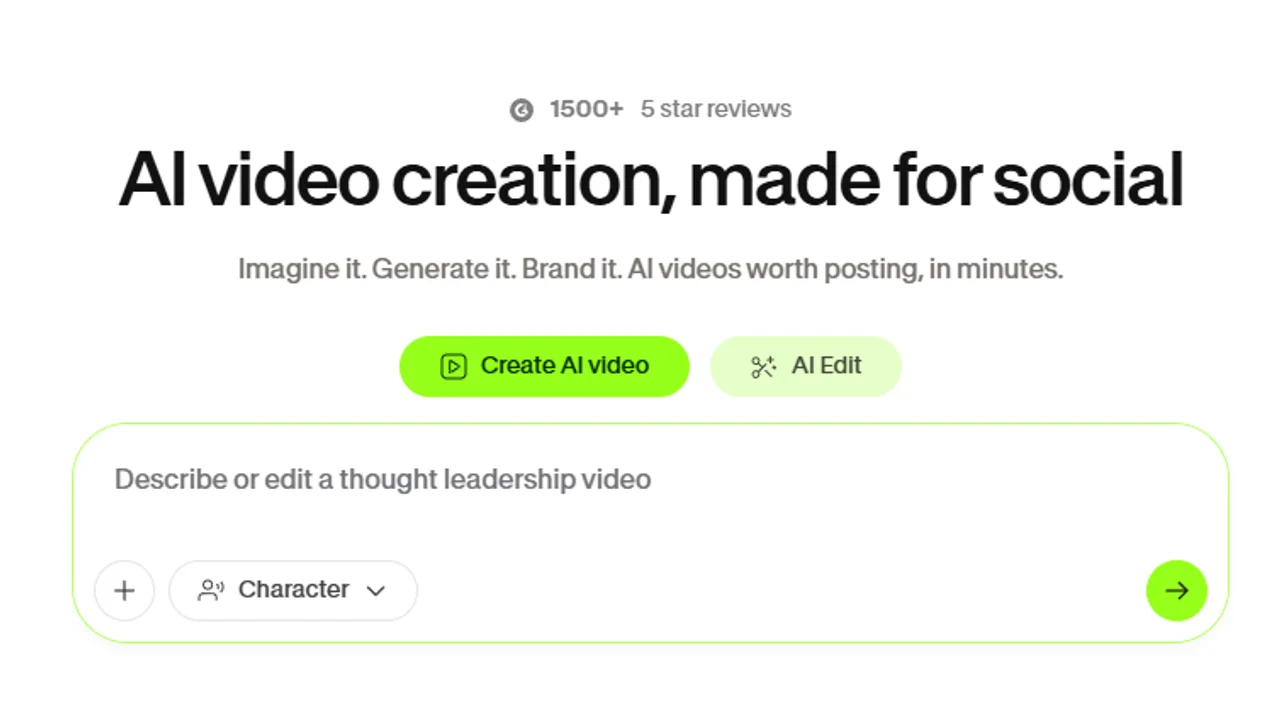

Pricing note: Canva pricing and AI feature access can vary by plan, region, currency, taxes, billing cycle, promotions, team type, and rollout status, so verify the current Canva plan details before buying.
Best for
- Social video assembly.
- Captioned ads.
- Simple creative edits.
- Small business workflows.
Watch out for
Template-heavy ads can blend into the feed. Add a specific hook and product angle.
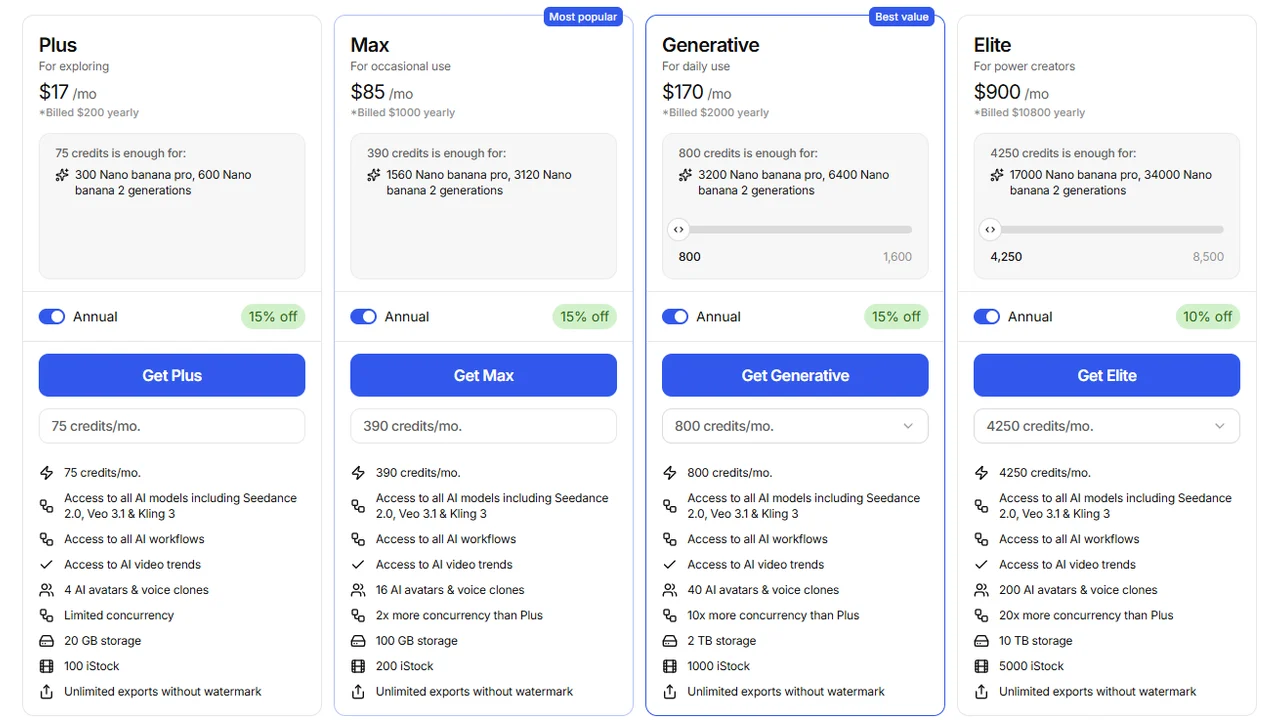
Pricing screenshot note: InVideo prices, credits, and plan limits can change and may vary by region, currency, taxes, billing cycle, promotions, and account type, so verify the current details on the official site before buying.
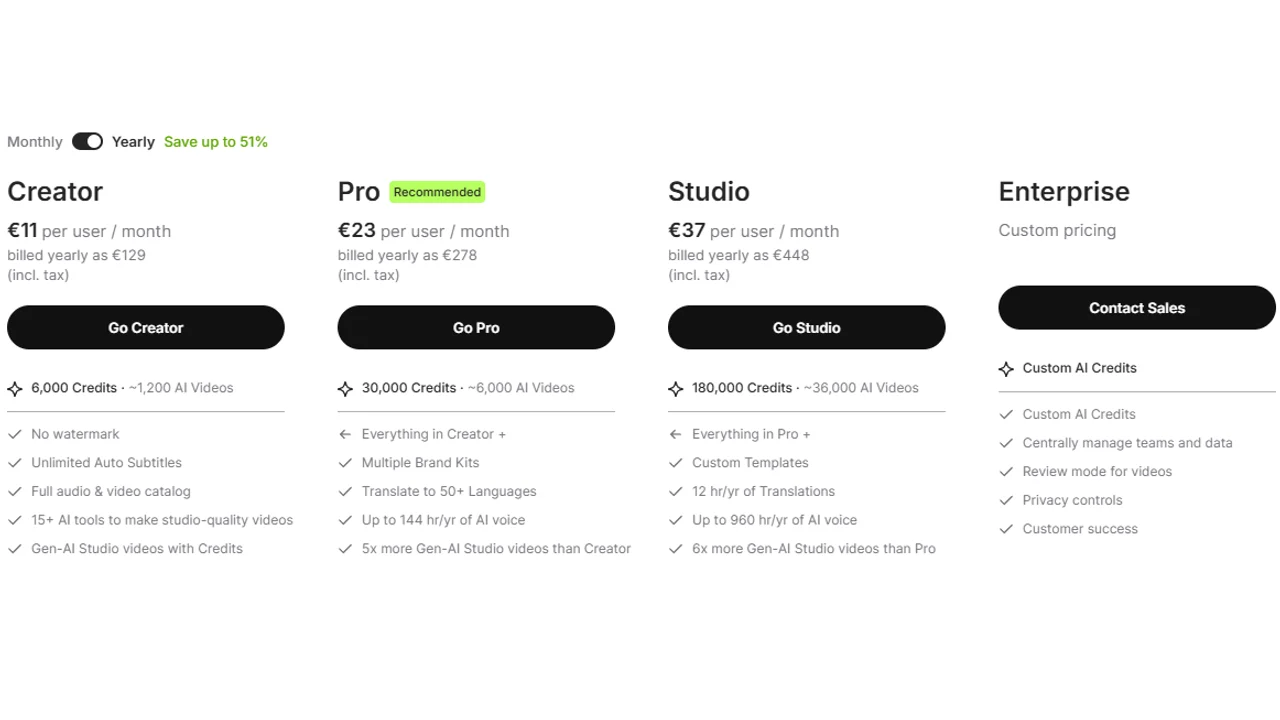
Pricing screenshot note: VEED prices, plan names, and usage limits can change and may vary by region, currency, taxes, billing cycle, promotions, and account type, so verify the current details on the official site before buying.
4. HeyGen and Synthesia
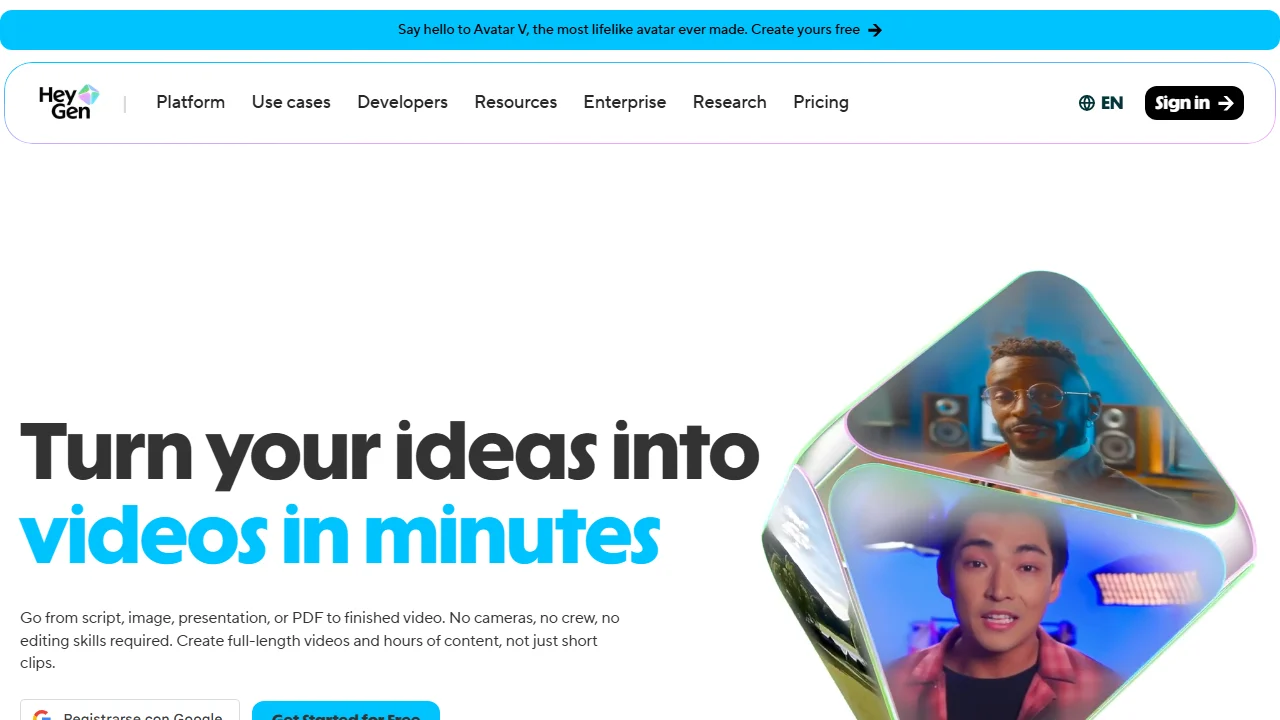
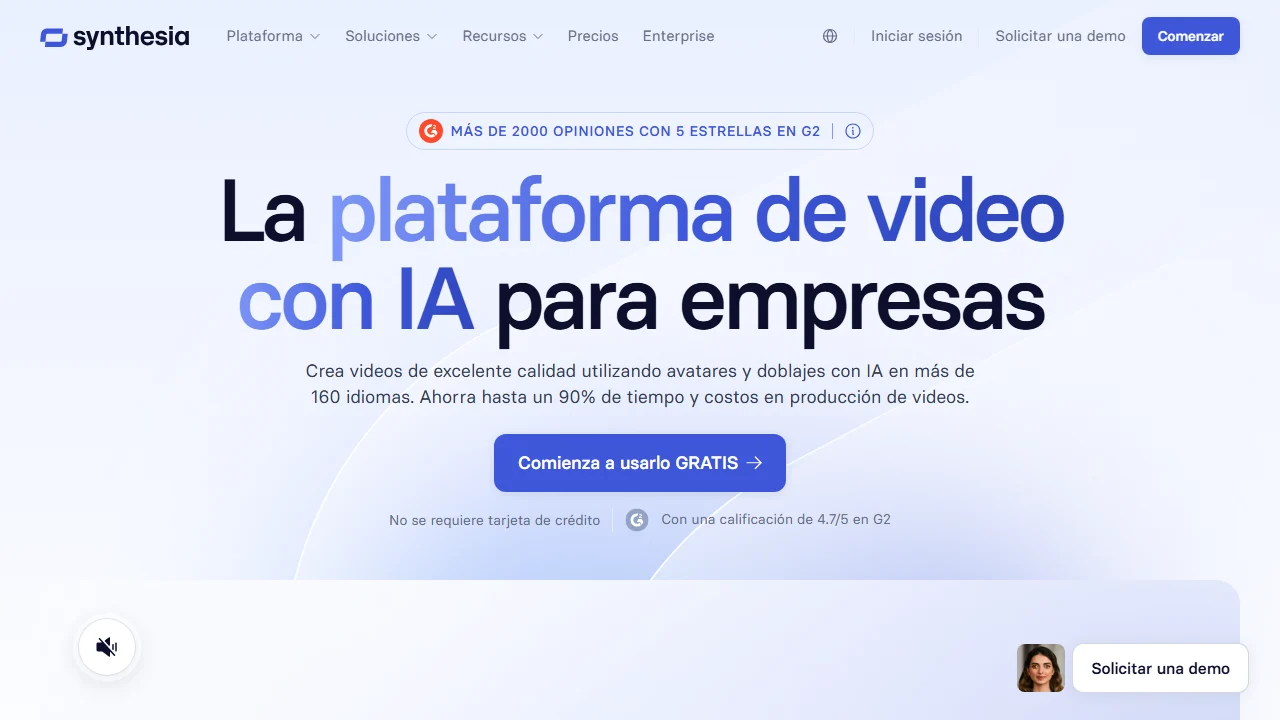
Avatar videos from HeyGen or Synthesia can work on Facebook when the ad is educational, explanatory, or founder-style.
Best for
- Presenter-led videos.
- Product education.
- B2B or high-consideration products.
- Localized ads.
Watch out for
Long avatar monologues are weak ads. Keep the message short and placement-aware.
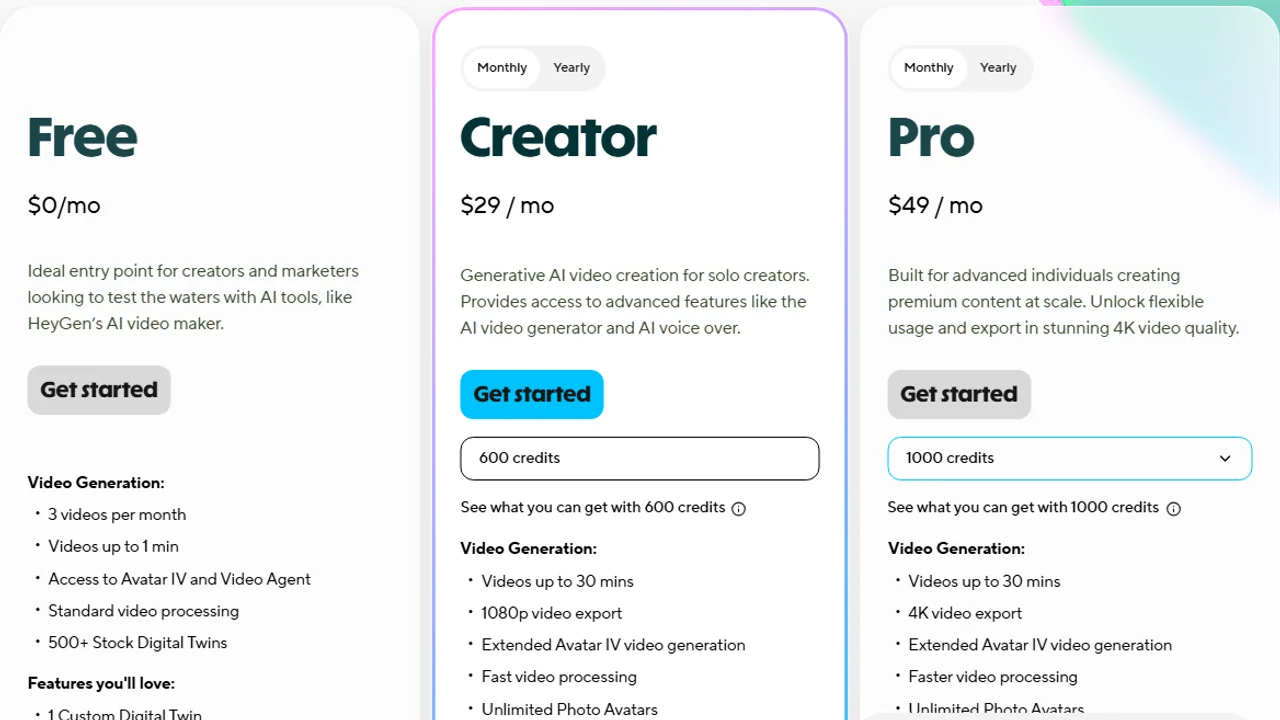
Pricing screenshot note: HeyGen prices, credits, and plan limits can change and may vary by region, currency, taxes, billing cycle, promotions, and account type, so verify the current details on the official site before buying.
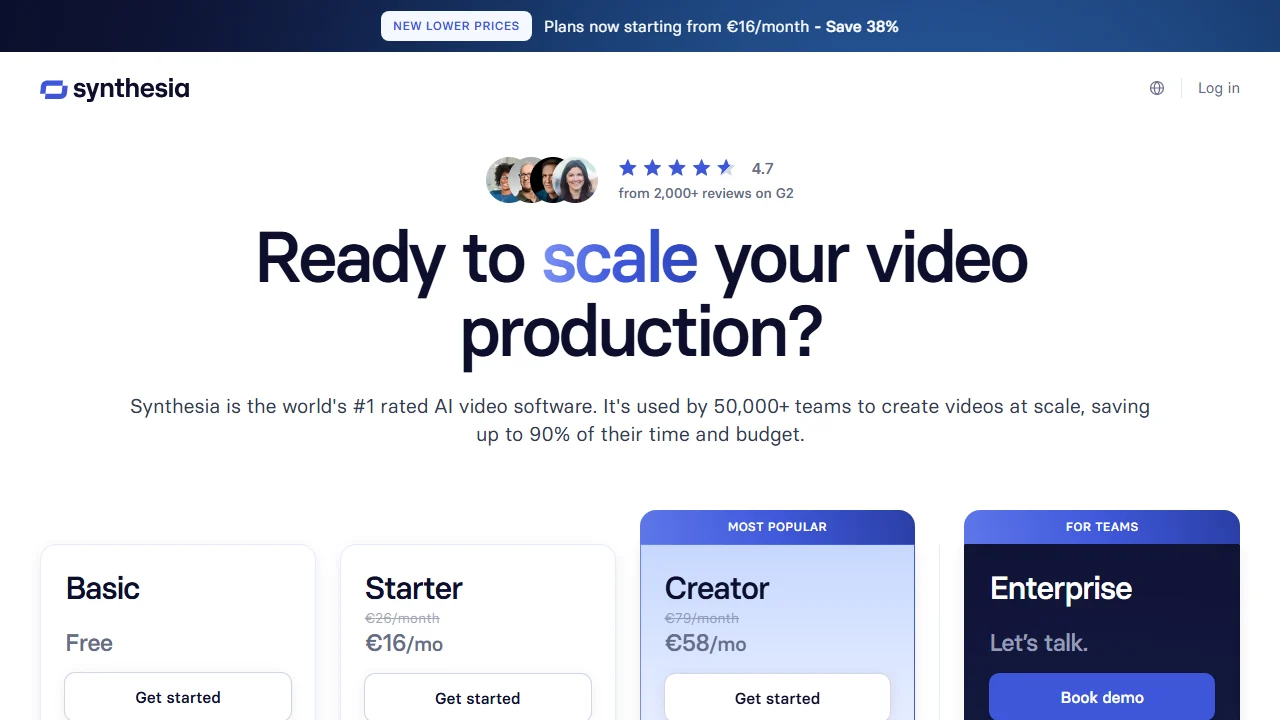
Pricing screenshot note: Synthesia prices, credits, video minutes, avatar limits, and enterprise terms can change and may vary by region, currency, taxes, billing cycle, promotions, and account type, so verify the current details on the official site before buying.
Match the video to the Meta placement
The same clip does not perform everywhere. Feed tolerates 4:5 with captions and a slower build. Stories and Reels need full 9:16 with the hook and product in the first second and the CTA clear of the interface safe zones. In-stream needs a message that survives a mid-video start. Generate one master video, then export a placement-specific cut for each rather than stretching one ratio across all of Meta.
How to choose
- Need ecommerce product video? Start with Creatify.
- Need all Facebook ad formats, not only video? Read best AI Facebook ad generators.
- Need creator-style Meta ads? Try Arcads.
- Need presenter ads? Try HeyGen.
- Need simple editing? Use VEED or Canva.
- Need the workflow? Read how to create Facebook ads with AI.
- Comparing every AI video ad tool? See the best AI video ad generators.
Facebook video ad checklist
Before launch:
- The first frame explains the ad.
- Captions are readable.
- The video works without sound.
- The CTA is obvious.
- Product claims are accurate.
- The landing page matches the creative.
- The asset works in Meta placements.
FAQ
What is the best AI Facebook ad video generator?
It depends on the format. Creatify for product videos, Arcads for UGC-style Meta ads, HeyGen or Synthesia for avatar explainers, and VEED or Canva for editing and captions.
Can I make Facebook video ads with AI for free?
Some tools offer free plans or trials, but they usually limit exports, length, or add a watermark. Check the current terms before using a clip in a real campaign.
What video format works best on Facebook?
Use 4:5 or 1:1 for feed and 9:16 for Stories and Reels, with captions so the ad works with sound off. Export a cut per placement instead of stretching one ratio.
Do AI Facebook video ads get rejected by Meta?
They can if they contain unverifiable claims or restricted content. Review each ad against Meta’s policies, and disclose synthetic presenters where required.
Final recommendation
For Facebook, create more than one format: product demo, UGC-style version, and short captioned edit. Let the campaign data tell you which message deserves budget.