
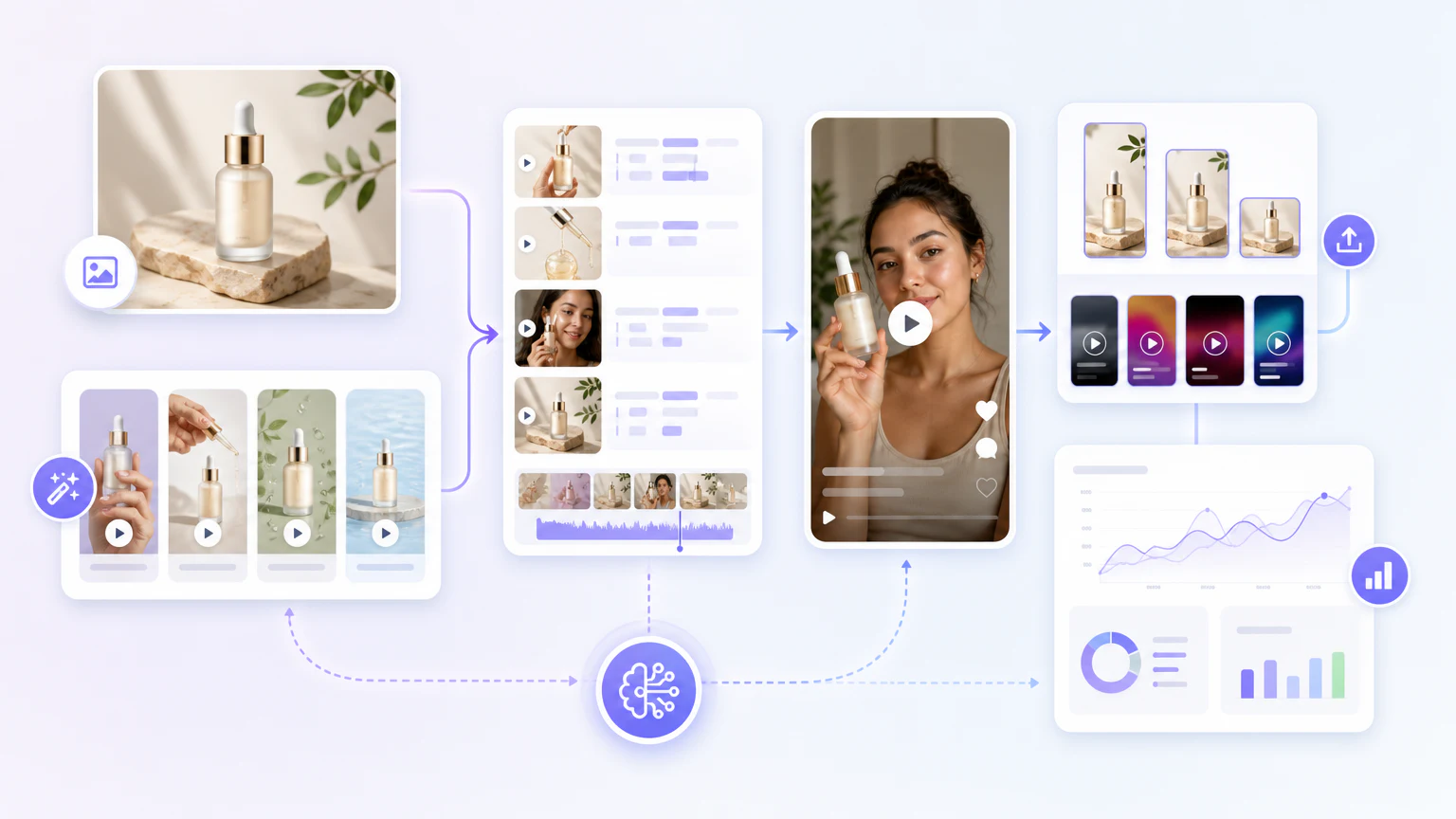
Quick workflow
To create ecommerce video ads with AI:
- Choose one product and one offer.
- Prepare clean product visuals.
- Write three hooks.
- Generate one product video.
- Generate one UGC-style version.
- Create platform-specific cuts.
- Review, launch, and test.
Do not start by generating ten random videos. Start with one clear product, one buyer problem, and one reason to click.
Step 1: Choose the product and offer
Good ecommerce video ads are specific. Before using AI, define:
- product,
- audience,
- problem,
- main benefit,
- price or promotion,
- CTA,
- landing page.
Example:
Product: reusable water bottle
Audience: office workers
Problem: forgetting to drink enough water
Benefit: visible time markers
CTA: Shop the 1-liter bottle
Step 2: Prepare product visuals
AI video tools work better when the product assets are clean. Use a clear product image, product page, or short clip.
Tools to evaluate:
If the product image is weak, fix that before generating video. You can use the AI product photo generator guide first.
Step 3: Generate hooks
Use AI to create several angles:
Write 10 short video ad hooks for a reusable water bottle.
Audience: office workers.
Avoid exaggerated health claims.
Keep each hook under 10 words.
Give problem, benefit, curiosity, and routine angles.
Examples:
- “Still forgetting to drink water?”
- “A bottle that nudges you all day.”
- “Make hydration visible.”
Step 4: Create a product video
Use an AI ecommerce video generator to turn the product assets and hook into a short ad.
Tools to evaluate:
- Creatify,
- InVideo AI,
- VEED,
- Pictory.
Basic structure:
- Hook.
- Product shot.
- Use case.
- Benefit.
- CTA.
Step 5: Create a UGC-style version
UGC-style videos can feel more native on TikTok, Reels, and Shorts.
Tools to evaluate:
Example script:
I kept forgetting to drink water during work.
This bottle makes it obvious where I should be by each hour.
It is simple, but it actually changed my desk routine.
Do not invent fake customer proof. Keep the script framed as a product explanation unless you have real customer evidence.
Step 6: Adapt for each platform
Create different versions for:
- TikTok,
- Instagram Reels,
- Facebook feed,
- YouTube Shorts,
- product pages,
- email campaigns.
Each platform needs different pacing. TikTok often needs a faster hook. Facebook can support slightly more context. Product pages can be more explanatory.
Step 7: Review and test
Before launch, check:
- product accuracy,
- claim accuracy,
- caption readability,
- first three seconds,
- CTA clarity,
- mobile framing,
- platform rules,
- landing page match.
Track click-through rate, conversion rate, watch time, and cost per purchase. Do not optimize only for views.
Tool shortcut
If you want the tool comparison first, read best AI ecommerce video generators and best AI product video generators. For a broader workflow, read how to create ads with AI.
FAQ
How do I create ecommerce video ads with AI?
Start from the product and offer, generate a few hooks, turn a product image or URL into a demo video, add a UGC-style version, then adapt each cut to the placement and test.
Which AI tool is best for ecommerce video ads?
Creatify fits product-to-video workflows, Arcads fits UGC-style ads, and VEED helps with editing and captions. Compare options in the best AI ecommerce video generators.
How long should an ecommerce video ad be?
Most performing ads run about 10 to 30 seconds. Lead with a clear hook, show the product early, and keep only what moves the shopper toward buying.
Do AI ecommerce video ads convert?
They can, when the offer is strong and the product is shown honestly. AI mainly lets you test more angles faster; it does not fix weak positioning.
Final recommendation
The best workflow is simple: one product, three hooks, two formats, one test. Scale only after you know which message makes shoppers care.