
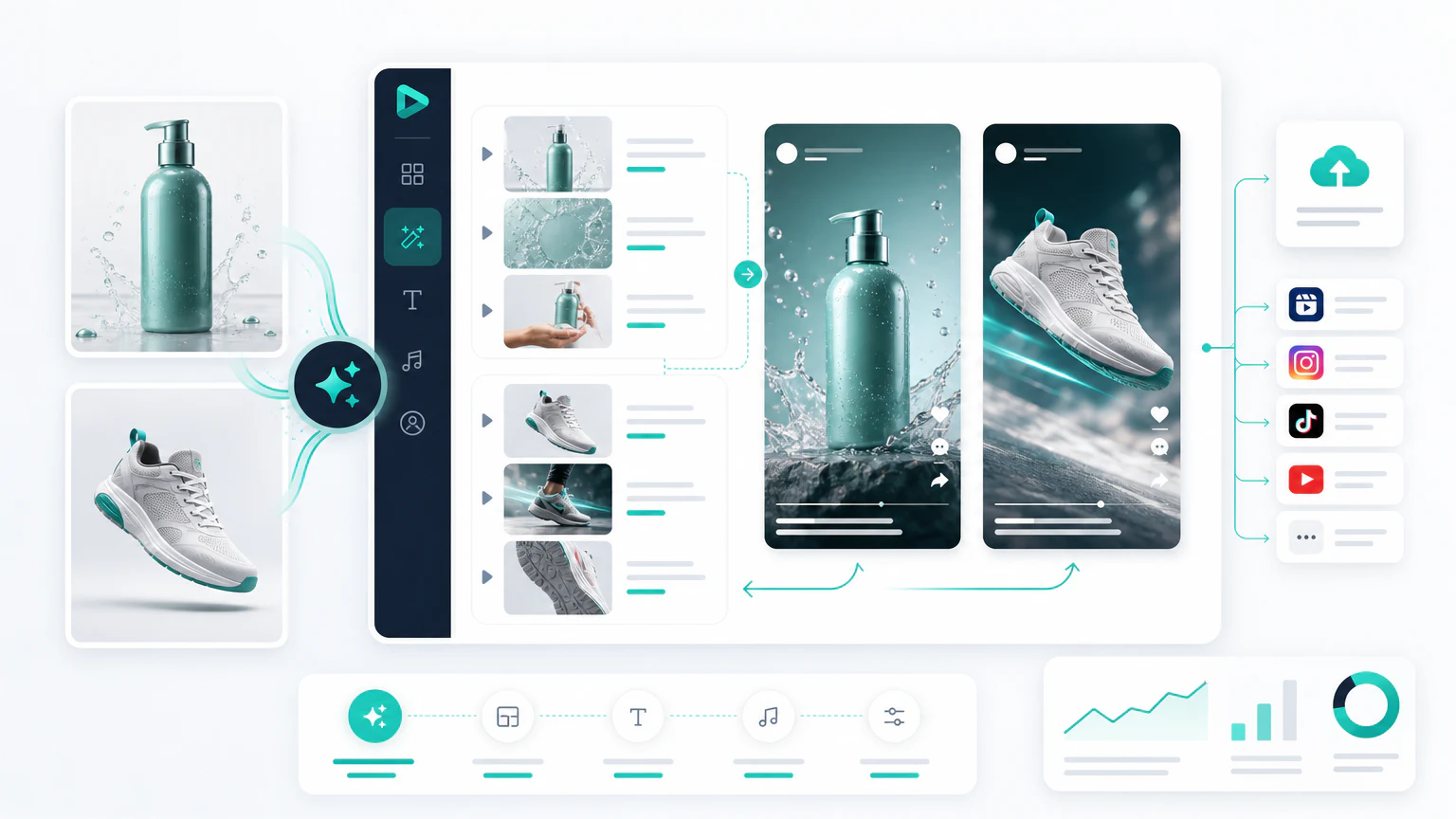
Quick verdict
The best AI product video generator depends on the product and the channel:
- For product-page-to-video ads: Creatify.
- For UGC-style product videos: Arcads.
- For avatar product explainers: HeyGen.
- For simple product videos from text or images: InVideo AI.
- For product video editing and captions: VEED or Canva.
This is a narrower category than a general AI video ad generator. A product video generator must preserve the product, explain the use case, and create assets that can work on ecommerce pages, TikTok, Facebook, Instagram, and email.
Comparison table
| Tool | Best for | Strength | Limit to watch |
|---|---|---|---|
| Creatify | Product video ads | Product-led workflow | Review product claims |
| Arcads | UGC-style product videos | Creator-style delivery | Trust and disclosure matter |
| HeyGen | Avatar product explainers | Presenter-led videos | Needs a concise script |
| InVideo AI | Simple video creation | Fast assembly from prompts | Can feel template-like |
| VEED | Editing and captions | Social-ready polish | Not a full strategy |
| Canva | Simple product creatives | Beginner-friendly layouts | Less specialized for video ads |
| Runway | Advanced visual shots | Generative scenes and motion | Requires editing and review |
Types of product video (and which tool fits)
“Product video” is not one format. Match the tool to the type you actually need:
- Demo: show the product working, start to finish. Product-led tools like Creatify fit here.
- Feature highlight: one benefit in about ten seconds for paid social. A fast assembler like InVideo AI works.
- Unboxing or packaging: real footage polished in VEED beats fully synthetic output.
- Explainer: a presenter walks through how it works. Avatar tools like HeyGen suit this.
- Comparison: your product against the old way, or against an alternative.
This applies beyond physical goods. Apps, SaaS, and online courses need product video too, and the digital ones lean on screen recording plus an avatar or voiceover rather than product footage.
1. Creatify
Creatify is one of the clearest tools to evaluate for product video generation because it is built around turning products into ad-style videos.

Best for
- Ecommerce product ads.
- Shopify and DTC brands.
- Product URL to video workflows.
- Fast social ad variations.
Watch out for
Every product claim needs review. If the tool creates benefits, discounts, or comparisons that are not on your landing page, edit them before launch.
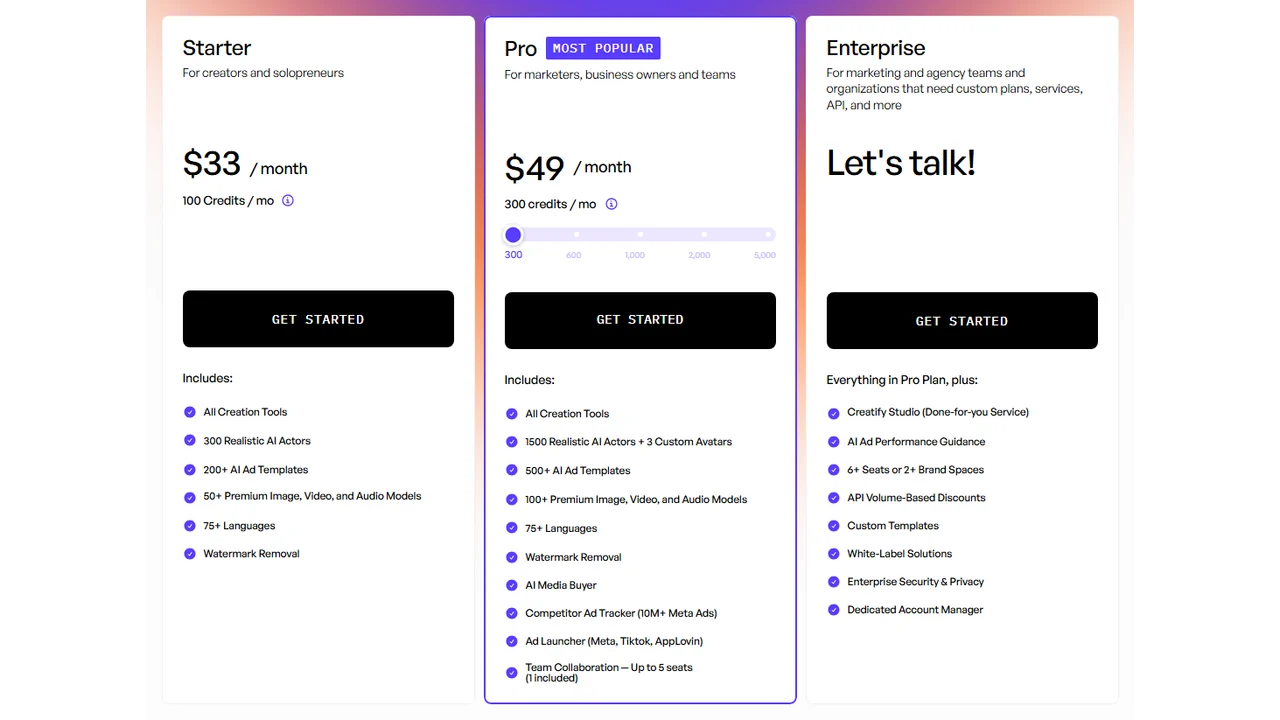
Pricing screenshot note: Creatify prices, credits, AI actor access, template limits, ad guidance, API discounts, and enterprise terms can change and may vary by region, currency, taxes, billing cycle, promotions, and account type, so verify the current details on the official site before buying.
2. Arcads
Arcads is useful when the product video needs to feel like creator content instead of a polished brand ad.
Best for
- UGC-style product videos.
- Direct-response hooks.
- TikTok and Reels style ads.
- Product pitch variations.
Watch out for
UGC-style product videos should not imply fake customer experience. Use real customer proof when credibility is the reason to believe.
3. HeyGen
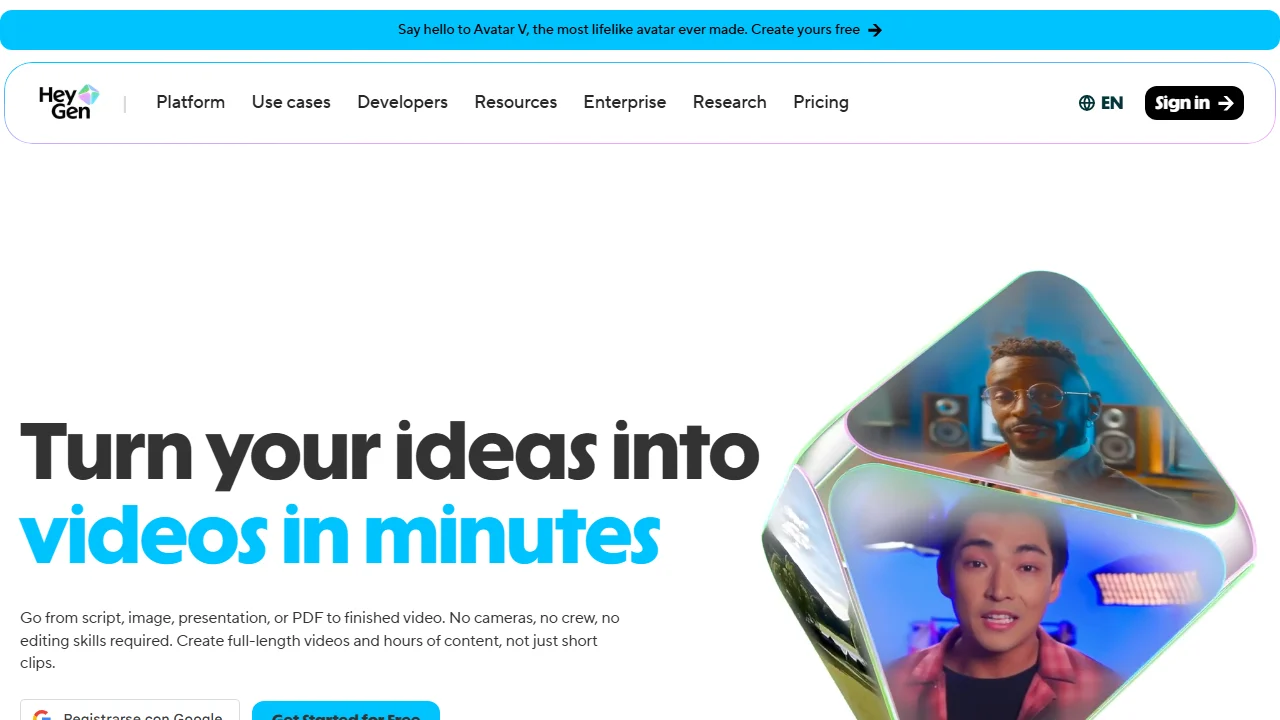
HeyGen fits product videos that need a presenter. This works well for products that require explanation, education, localization, or a founder-style message.
Best for
- Avatar product demos.
- Product explainers.
- Multilingual ads.
- Founder-style product videos.
Watch out for
Presenter videos can become slow. Keep the script short, show the product early, and avoid long intros.
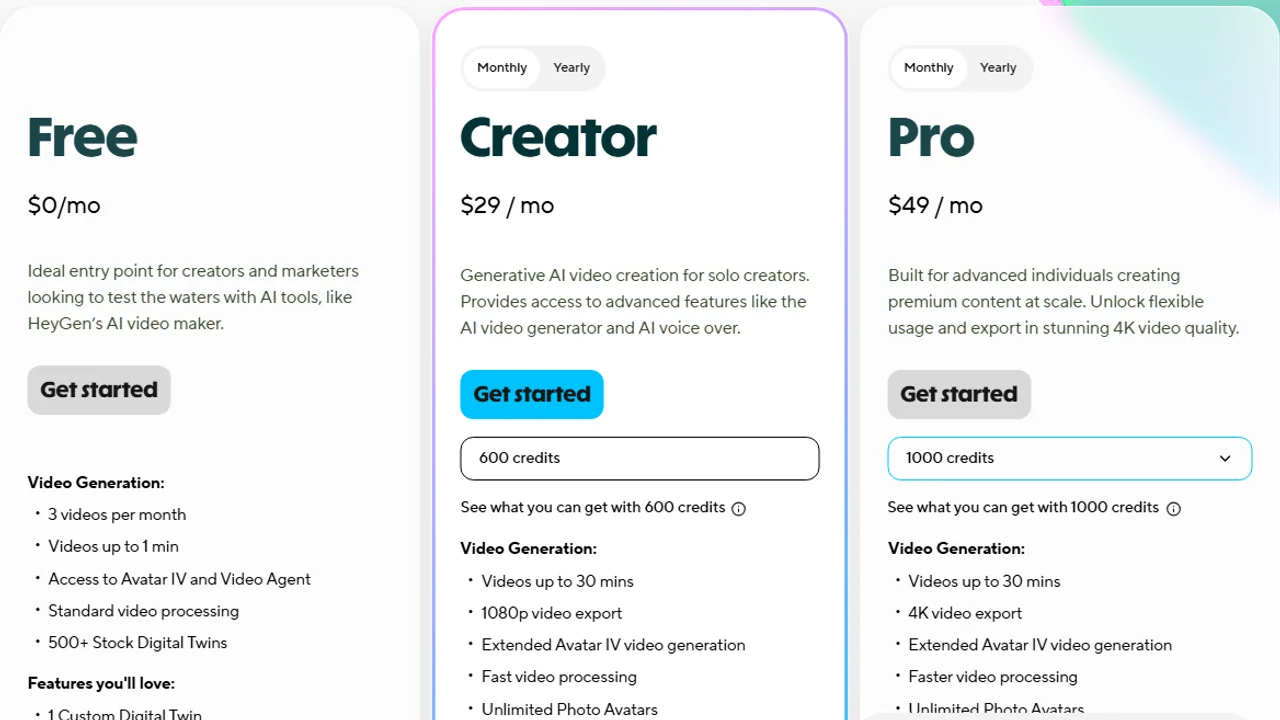
Pricing screenshot note: HeyGen prices, credits, and plan limits can change and may vary by region, currency, taxes, billing cycle, promotions, and account type, so verify the current details on the official site before buying.
4. InVideo AI, VEED, and Canva
These tools are useful for assembling product videos, adding captions, creating social cuts, and building simple video assets.
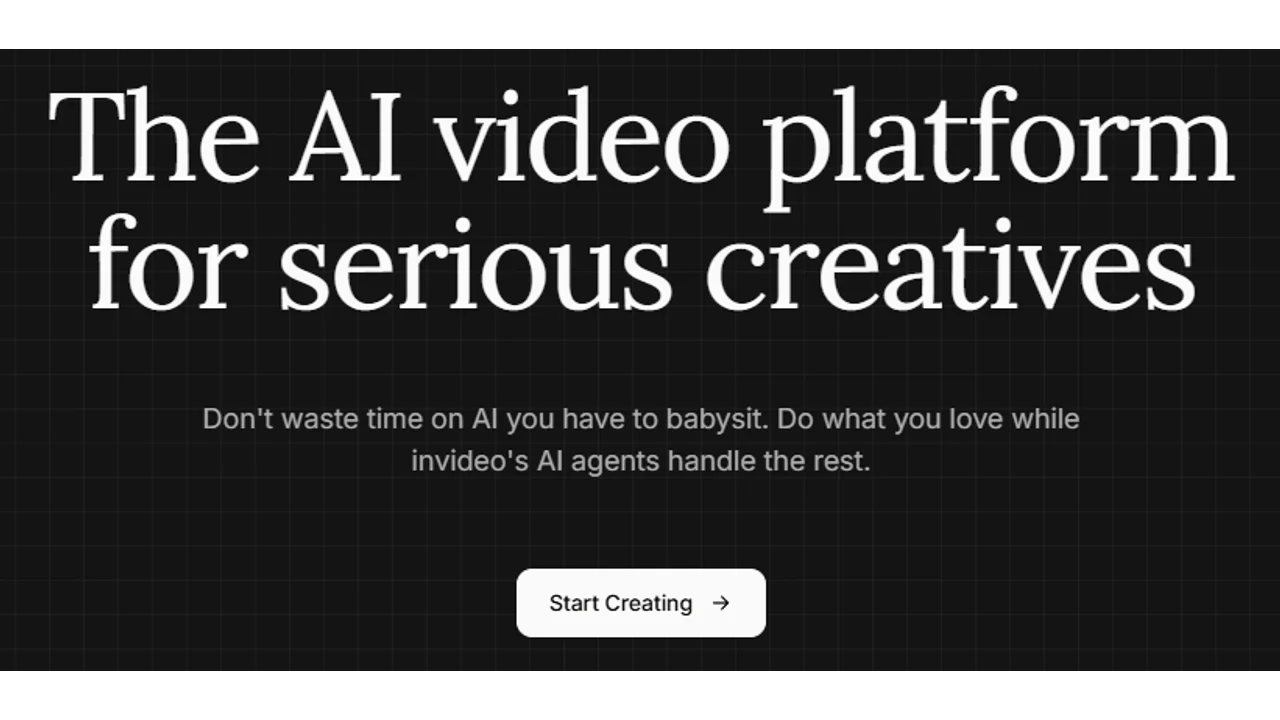
InVideo AI is relevant when you need a fast text-to-video or prompt-to-video workflow for social product content.
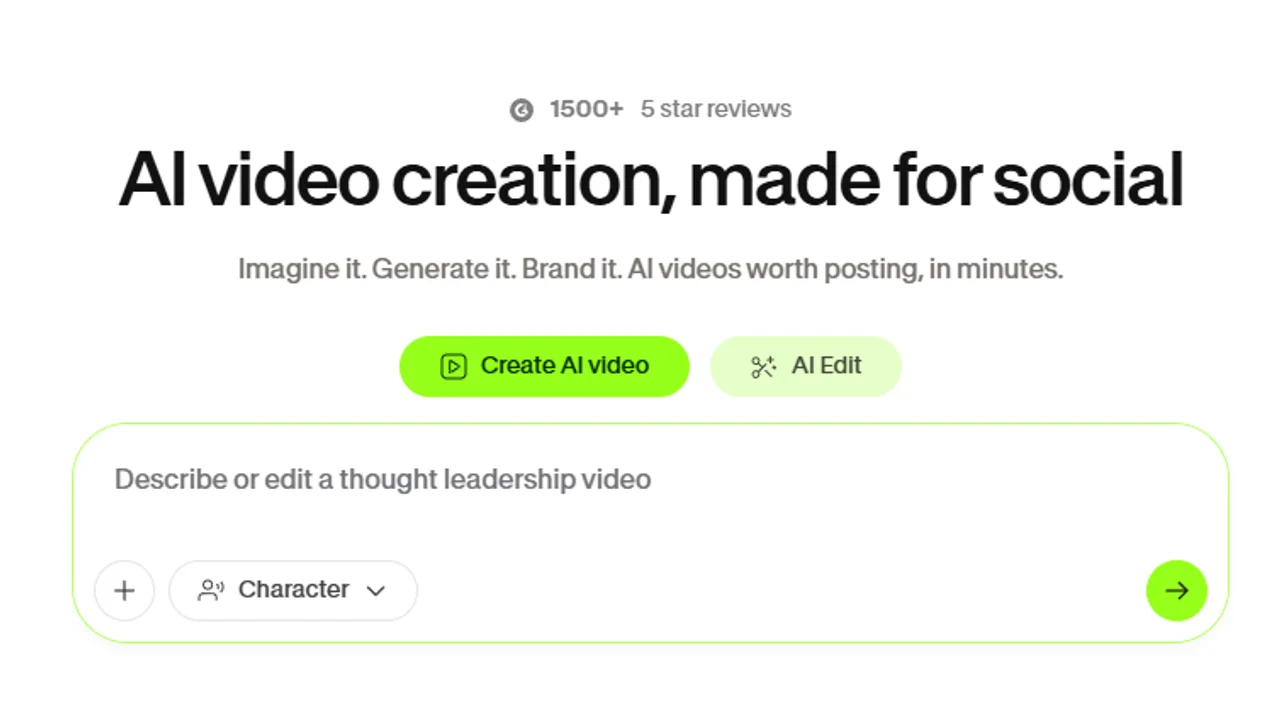
VEED is especially relevant when the job is social-ready editing: captions, simple cuts, AI edits, and quick versions for different placements.
Canva is useful when product video work also needs simple layouts, ad cards, thumbnails, and social assets around the video.

Pricing note: Canva pricing and AI feature access can vary by plan, region, currency, taxes, billing cycle, promotions, team type, and rollout status, so verify the current Canva plan details before buying.
Best for
- Simple product videos.
- Captioned social clips.
- Product roundups.
- Editing generated footage.
Watch out for
Templates can make different brands look the same. Use specific hooks, real product visuals, and a clear CTA.
Pricing screenshot note: InVideo prices, credits, and plan limits can change and may vary by region, currency, taxes, billing cycle, promotions, and account type, so verify the current details on the official site before buying.
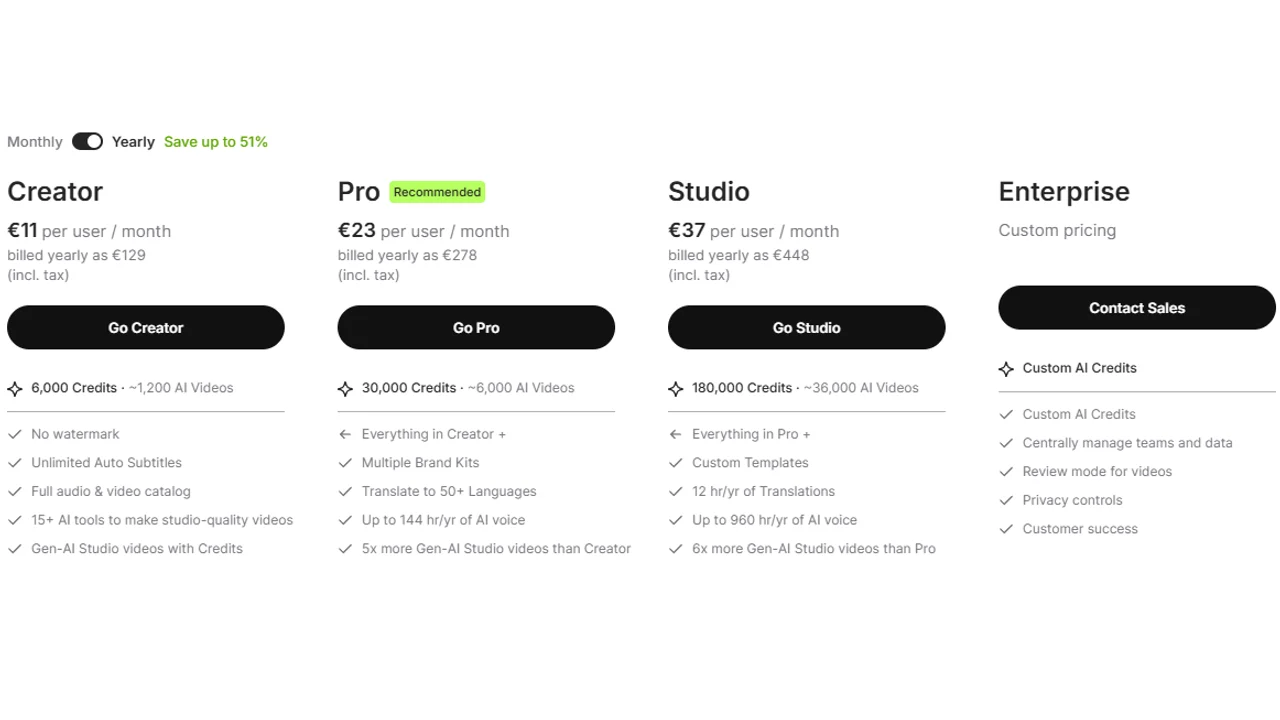
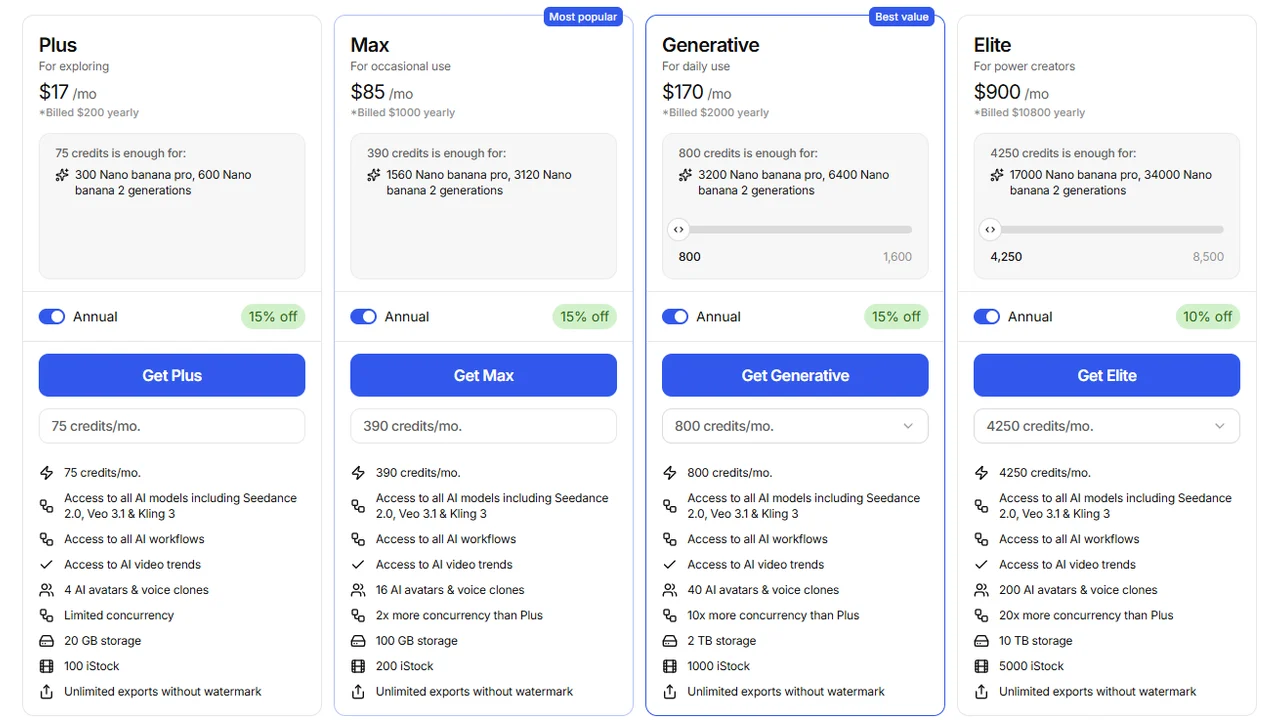
Pricing screenshot note: VEED prices, plan names, and usage limits can change and may vary by region, currency, taxes, billing cycle, promotions, and account type, so verify the current details on the official site before buying.
5. Runway
Runway is not a one-click product ad generator, but it can help with motion concepts, product-adjacent visuals, and creative video shots.
Best for
- Visual experimentation.
- Commercial-style clips.
- Motion concepts.
- Creative teams with editing skills.
Watch out for
For product videos, accuracy matters more than spectacle. Do not use generated footage if it changes the product.
How to choose
- Need product ads from a URL? Start with Creatify.
- Need creator-style product pitches? Try Arcads.
- Need presenter-led product explainers? Try HeyGen.
- Need simple edits and captions? Use VEED or Canva.
- Need the workflow? Read how to create product videos with AI.
- Selling on an online store? Compare the best AI ecommerce video generators.
Product video checklist
Before publishing:
- The product is shown clearly.
- The product is not visually altered.
- The first three seconds explain the use case.
- Captions are readable.
- Claims are accurate.
- The CTA matches the landing page.
- The format fits the platform.
FAQ
Which AI tool turns products into videos?
Creatify is one of the most direct options for turning products or URLs into video ads.
Can I create product videos with AI for free?
Some tools offer free plans or trials, but they usually limit credits, length, export, or add a watermark.
Which tool works for UGC product videos?
Arcads fits creator-style presenters well. Creatify fits better when the product is the center of the video.
Which tool works for avatar demos?
HeyGen and Synthesia are good options for avatar demos or explainers.
What should I check before publishing?
Product accuracy, claims, captions, CTA, usage rights, and whether synthetic content needs to be disclosed.
Final recommendation
Start from the video type, not the tool. Decide whether the product needs a demo, a feature highlight, or an explainer, then pick the generator built for that format. One clear demo that shows the product honestly beats five generic clips that could belong to any brand.