
Quick verdict
If you need to ship Instagram ads today, AdCreative.ai handles static creatives at scale, Creatify is a strong fit for Reels and video ads, and Predis.ai fits teams that want post + ad in one workflow. None of them does everything. This guide tells you which one fits your actual use case.
Why Instagram Ad Creators Matter in 2026
Running Instagram ads without a dedicated creative tool means one of two things: you spend hours in Canva producing one creative at a time, or you hand off to an agency and wait days for revisions. Neither is competitive in a feed where the thumb-scroll takes under a second.
AI Instagram ad creators solve a specific problem: they compress the gap between a product or brief and a publish-ready creative. The best ones handle copy, visual, format sizing, and variation in a single workflow. The worst ones produce generic output that looks like a template your competitor already used.
This guide tests both ends of that spectrum.
What We Tested
ToolNiva evaluated each tool on six criteria:
- Output quality - does the creative look like something a human media buyer would approve?
- Format coverage - Stories (9:16), Feed (1:1 and 4:5), Reels (9:16), and carousel
- Speed - time from brief to exportable creative
- AI depth - how much of the workflow is genuinely automated vs. manual
- Pricing and limits - real numbers, not landing-page claims
- When it is not worth it - honest cases where the tool fails
The 7 Best Instagram Ad Creator Tools in 2026
1. AdCreative.ai - Best for Static Ad Creatives at Volume
Verdict: A strong option if your primary need is scroll-stopping static ads for Feed and Stories. Not built for video.
AdCreative.ai uses a brand kit (colors, fonts, logo) plus a product image or headline to generate dozens of creative variations in seconds. The scoring system - which predicts CTR based on its training data - is useful for prioritizing which variants to test first rather than guessing.
What works:
- Batch generation of 50+ variations from one brief
- Automatic resizing across Instagram formats
- Creative score helps prioritize A/B tests
What does not work:
- Video and Reels output is limited; this is a static-first tool
- Results are noticeably generic without a detailed brand kit
- Pricing jumps sharply between tiers if you need team seats
Pricing: The pricing page showed a Starter entry tier and higher team plans during our review. Prices and credit limits can change, so verify the current AdCreative.ai pricing page before buying.
Best for: Ecommerce brands and performance marketers running high-volume static campaigns.

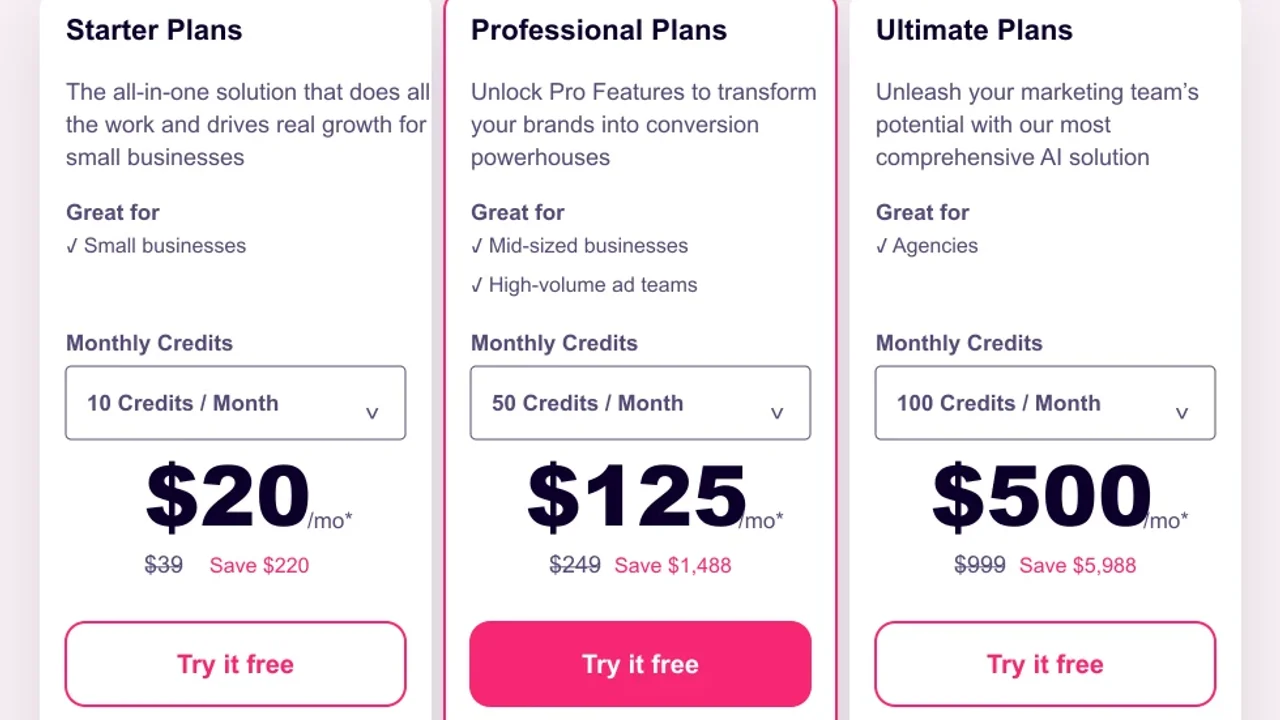
Pricing screenshot note: AdCreative.ai prices and discounts can change and may vary by region, currency, taxes, billing cycle, promotions, and account type, so verify the current plan details on the official site before buying.
2. Creatify - Best for Instagram Reels and Video Ads
Verdict: A strong choice for AI-generated video ads, especially UGC-style short videos and avatar presenters.
Creatify takes a product URL or brief and produces short video ads in the format Instagram Reels and Stories demand. The avatar presenter feature - where a synthetic spokesperson delivers a scripted pitch - covers the use case many brands previously sent to UGC agencies.
What works:
- URL-to-video: paste a product page, get a Reels-ready video
- Avatar presenters with voice cloning in 140+ languages
- Script editor gives control over what the presenter says
What does not work:
- Avatar quality varies; some outputs still read as synthetic at first glance
- Static ad output is secondary; this is a video-first tool
- Best results require editing the auto-generated script
Pricing: Free tier with limited exports was available during our review. Paid tiers and limits can change, so verify the current Creatify pricing page before buying. Plans are reviewed in our AI video ad generator guide.
Best for: DTC brands, app marketers, and agencies producing Reels at scale.
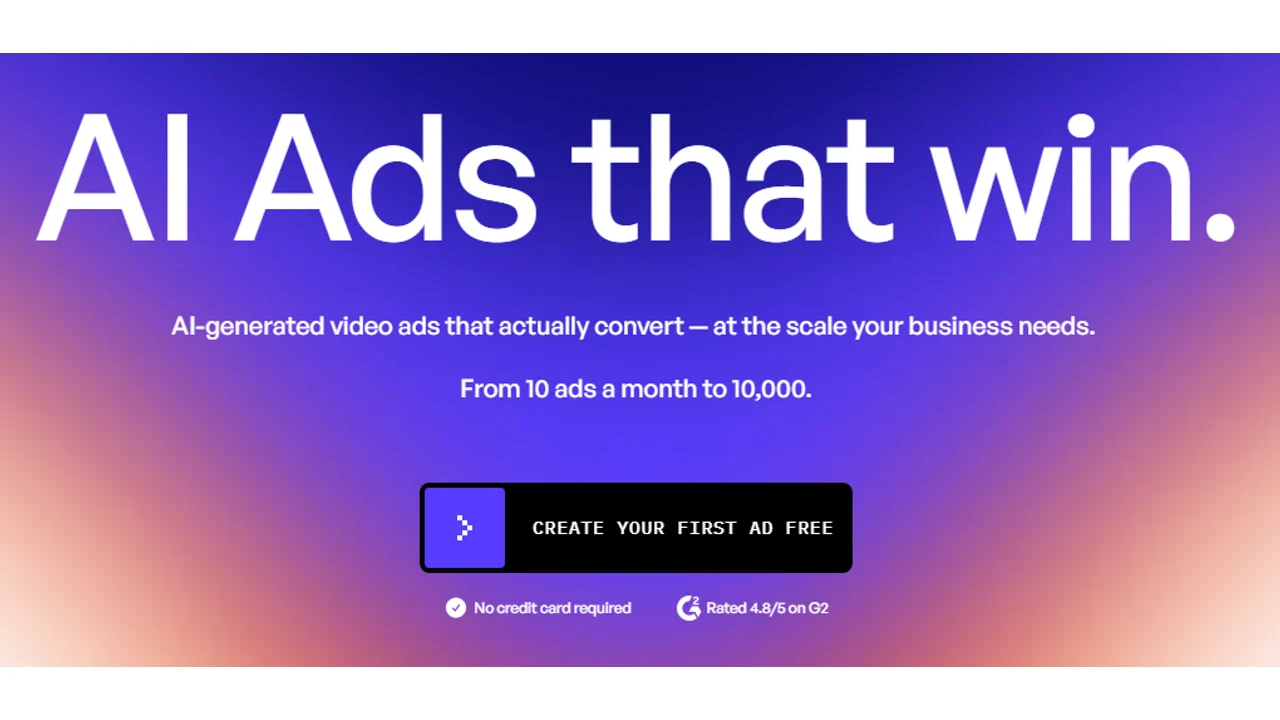
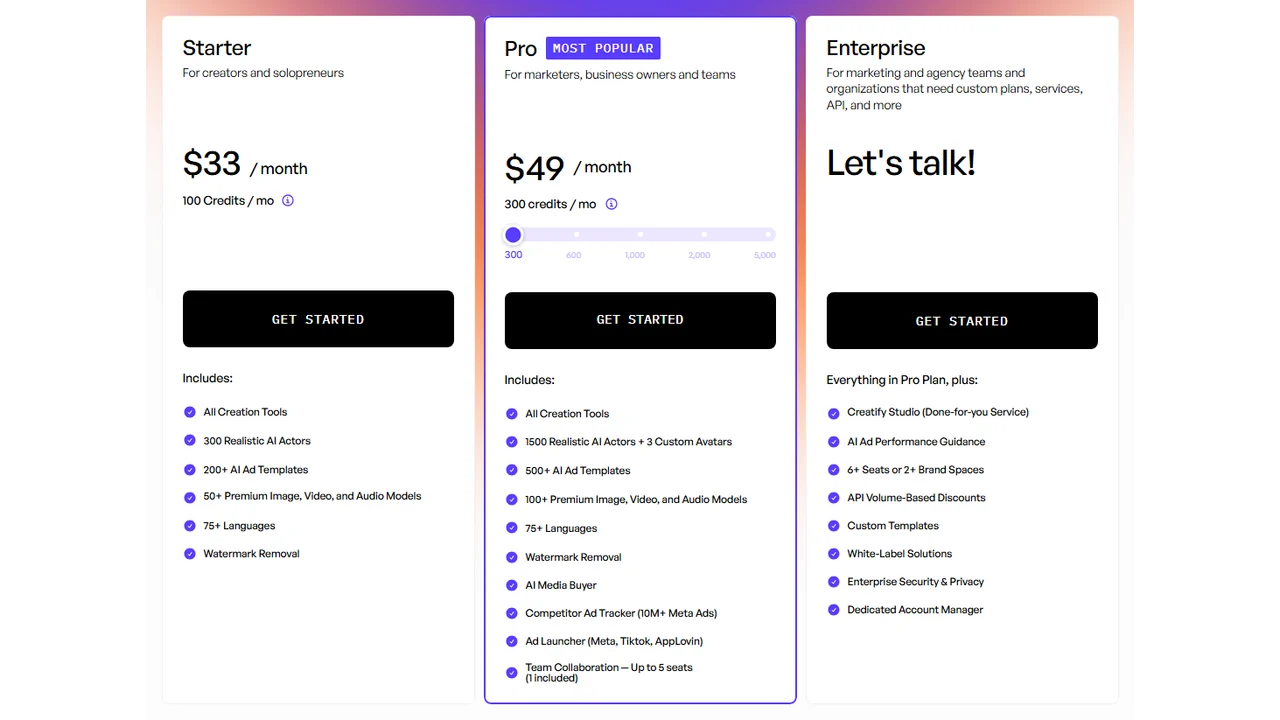
Pricing screenshot note: Creatify prices, credits, AI actor access, template limits, ad guidance, API discounts, and enterprise terms can change and may vary by region, currency, taxes, billing cycle, promotions, and account type, so verify the current details on the official site before buying.
3. Predis.ai - Best for Social Teams Combining Posts and Ads
Verdict: A strong all-in-one if your team manages organic Instagram alongside paid ads. Less specialized than AdCreative or Creatify but broader.
Predis.ai stands out because it connects content planning, post generation, and ad creative in one dashboard. For a small team managing both organic and paid Instagram, the unified workflow reduces tool-switching.
What works:
- Post-to-ad workflow: repurpose organic content as paid creatives
- Competitor analysis included in the dashboard
- Carousel ad generation with individual frame control
What does not work:
- Output quality for high-performance paid ads is below AdCreative.ai
- Video quality is below Creatify
- Limited creative scoring or predictive CTR features
Pricing: Free plan was available during our review. Paid tiers and limits can change, so verify the current Predis.ai pricing page before buying. Reviewed in our AI ad generator guide.
Best for: Small teams and solopreneurs running organic + paid Instagram together.
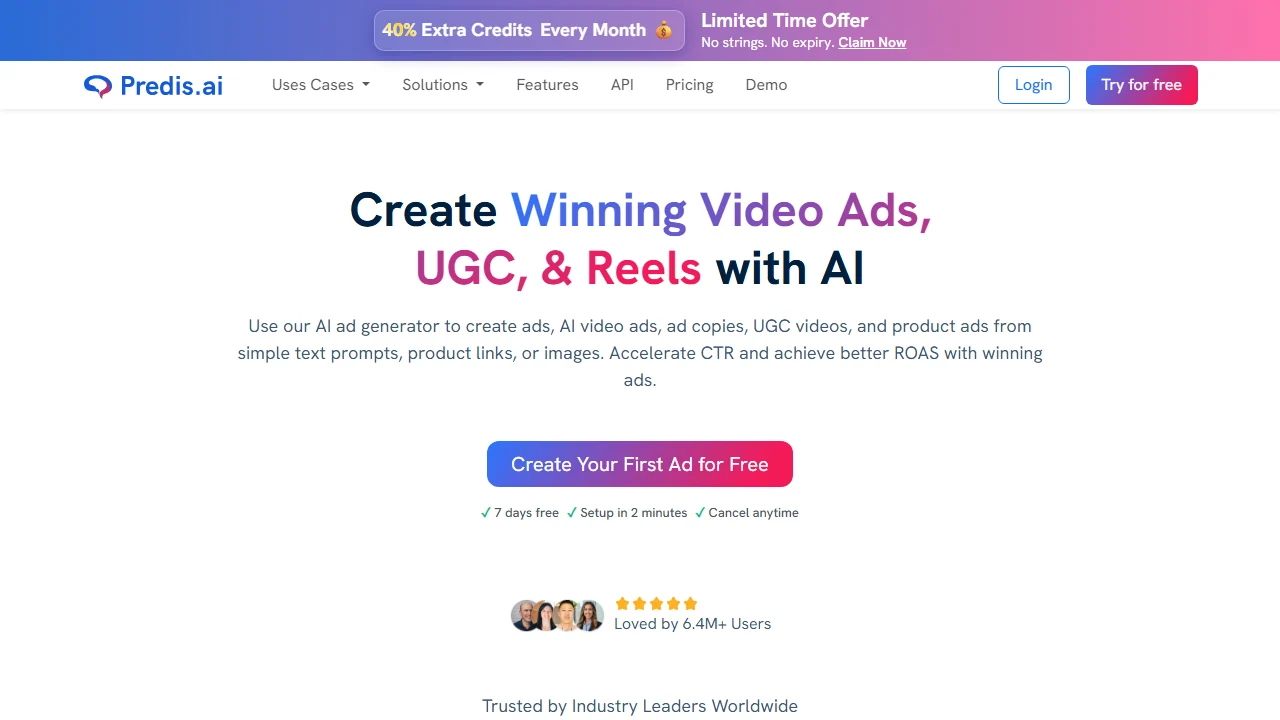
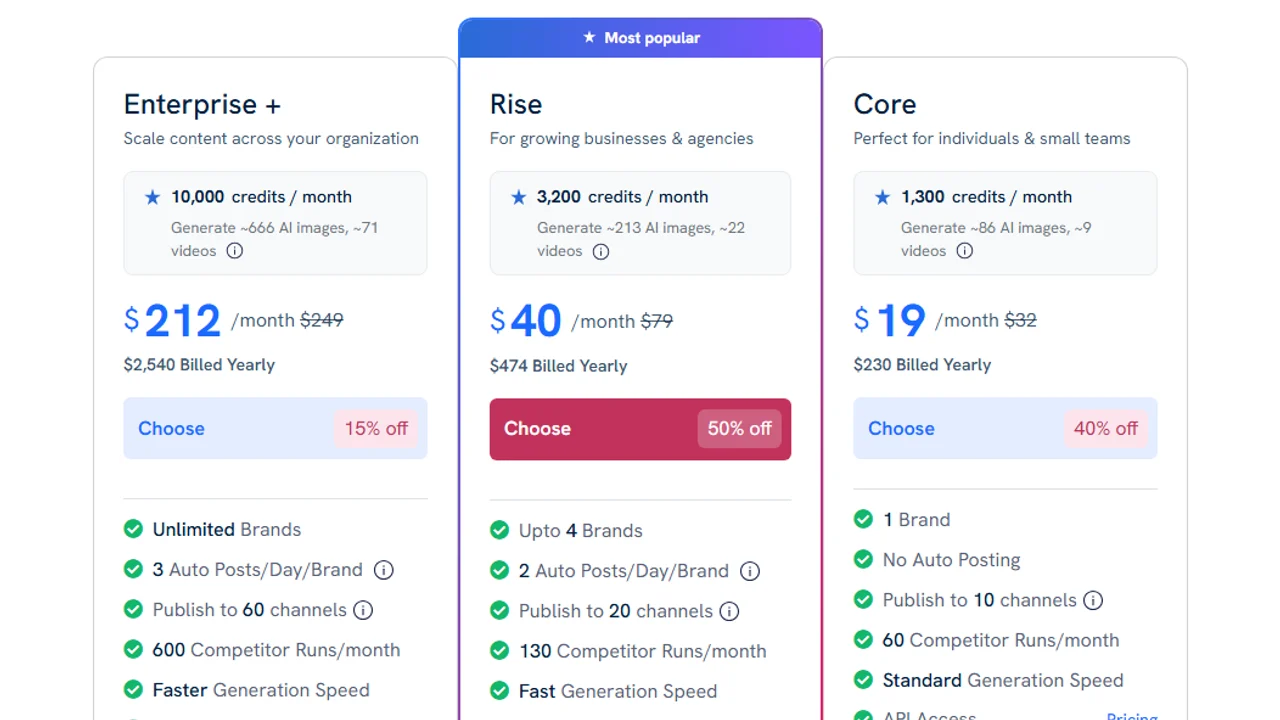
Pricing screenshot note: Predis.ai prices, discounts, and credit limits can change and may vary by region, currency, taxes, billing cycle, promotions, and account type, so verify the current details on the official site before buying.
4. Canva (with Magic Studio) - Best Free Starting Point
Verdict: Not an AI ad creator in the same sense as the tools above, but the free tier and template library make it the right starting point before you have budget.
Canva’s Magic Studio (background remover, AI image generation, text-to-image) makes it more capable than it was two years ago. For Instagram mockups and quick static ads, it remains the most accessible option.
What works:
- Thousands of Instagram ad templates
- Free for most core features
- Fast for one-off creatives when you know what you want
What does not work:
- No predictive performance scoring
- AI features are add-ons, not native to the ad workflow
- Does not handle video ad generation meaningfully
Pricing: Canva has a free plan, with Pro pricing shown on its current pricing page. Verify the current amount in your region before buying.
Best for: Freelancers, small businesses, and anyone testing Instagram ads with no tool budget.

Pricing note: Canva pricing and AI feature access can vary by plan, region, currency, taxes, billing cycle, promotions, team type, and rollout status, so verify the current Canva plan details before buying.
5. AdMaker by Predis - Best Instagram Ad Mockup Generator
Verdict: A narrower tool focused on mockup generation for client presentations and concept approval. Not a production ad creator.
If you need to show clients how an Instagram ad will look before it goes live - in Stories format, Feed, or Reels - AdMaker produces clean mockups without building everything in Figma.
What works:
- Realistic Instagram UI mockups for presentations
- Fast turnaround for client approval workflows
- Story, Feed, and Reel mockup formats
What does not work:
- Not meant for production-ready exports
- Limited customization compared to Figma or dedicated mockup tools
Pricing: Included in Predis.ai plans.
Best for: Agencies presenting concepts to clients before production.
6. Pencil - Best for Performance-Focused Teams With Data
Verdict: A more expensive tool that earns its price if you are running high-spend Instagram campaigns and need creative intelligence, not just creative generation.
Pencil connects ad creative generation with performance data from your ad account. It learns which creative elements (hooks, CTAs, formats) perform on your specific account and generates new ads biased toward what has worked.
What works:
- Creative analytics tied to your actual ad account data
- AI that improves over time with your performance history
- Suitable for teams with meaningful monthly Instagram ad spend
What does not work:
- Expensive; not justified at low ad spend
- Requires ad account integration and time to learn your data
- Less self-serve than AdCreative or Creatify
Pricing: Custom or sales-led pricing for many teams. Verify current Pencil packaging directly before budgeting.
Best for: Growth teams and agencies managing high-budget Instagram campaigns.
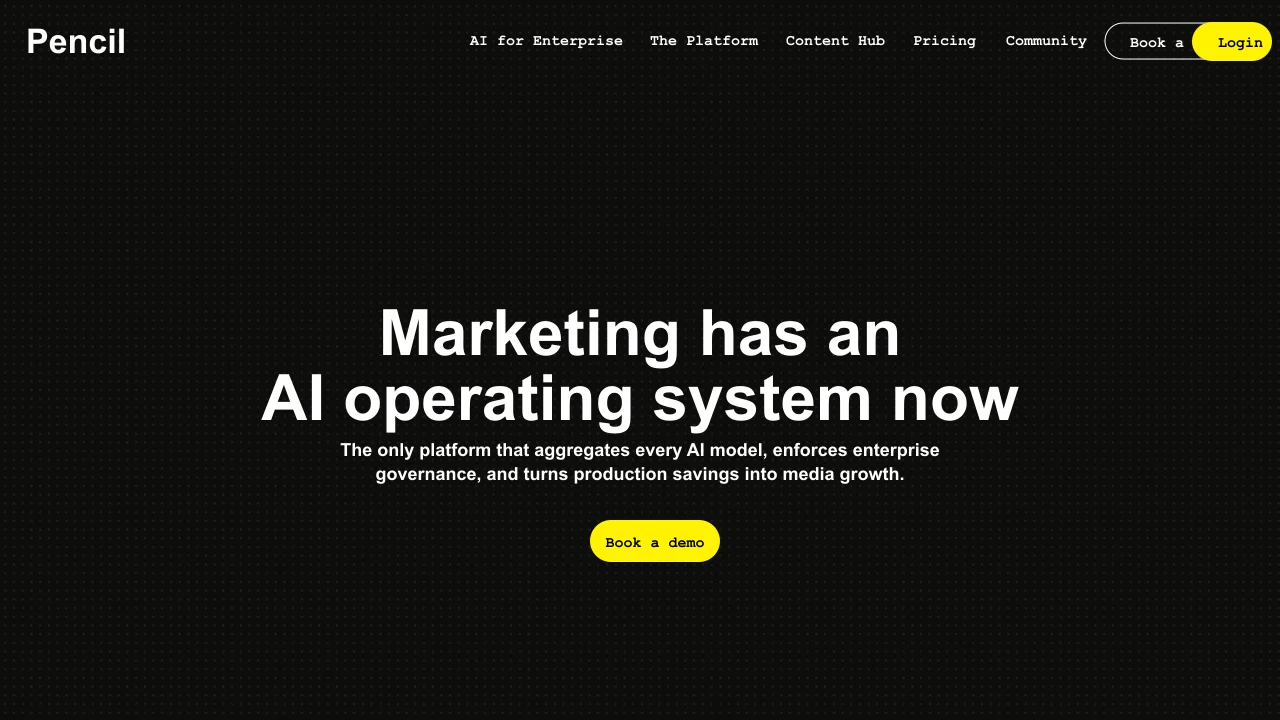
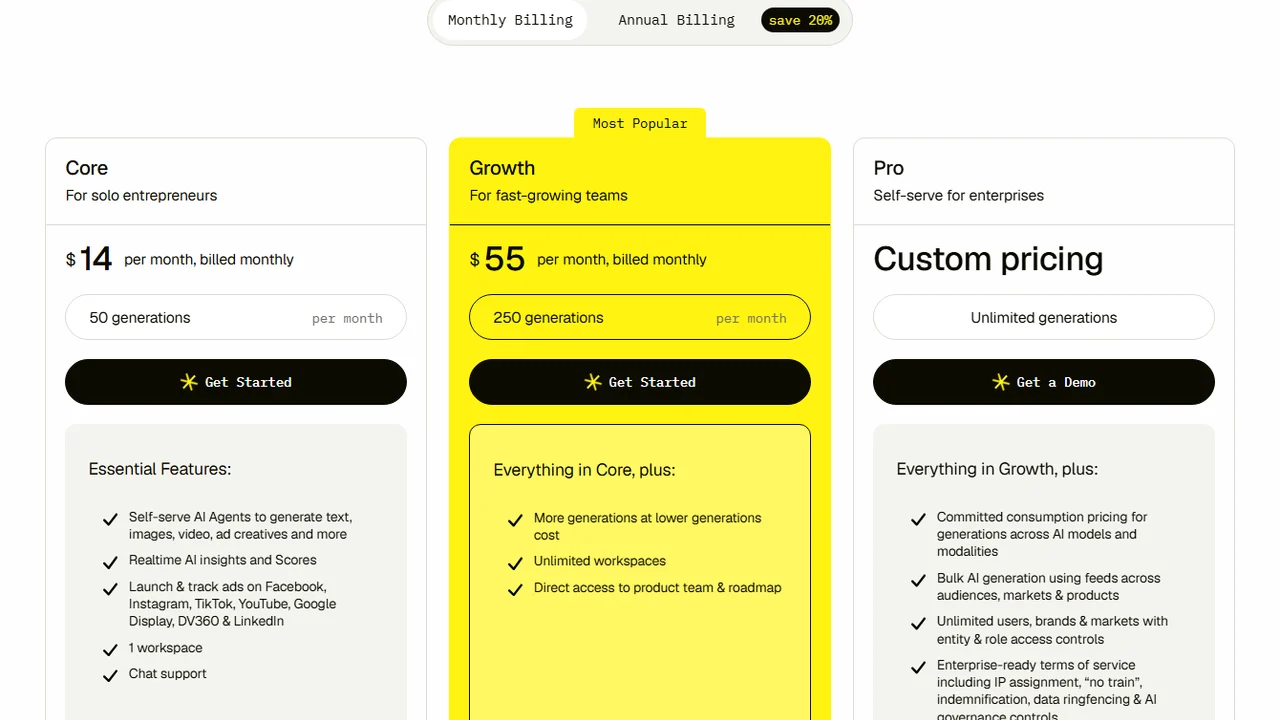
Pricing screenshot note: Pencil prices and plan limits can change and may vary by region, currency, taxes, billing cycle, promotions, and account type, so verify the current details on the official site before buying.
7. Smartly.io - Best for Enterprise Instagram Ad Operations
Verdict: Not a creative generator - a creative production and campaign management platform. Built for enterprise teams running Instagram ads across multiple markets.
Smartly.io automates the production of ad variations from a template, connects directly to Meta’s ad platform, and handles multi-market versioning (copy, language, format) at scale.
What works:
- Template-based creative production at enterprise scale
- Direct Meta integration for campaign launch
- Multi-language and multi-market creative versioning
What does not work:
- No self-serve; requires onboarding and a dedicated account team
- Overkill for teams without a high-volume campaign operation
- Pricing reflects enterprise expectations
Pricing: Enterprise; contact for pricing.
Best for: Enterprise brands and large agencies managing Instagram campaigns across multiple regions.
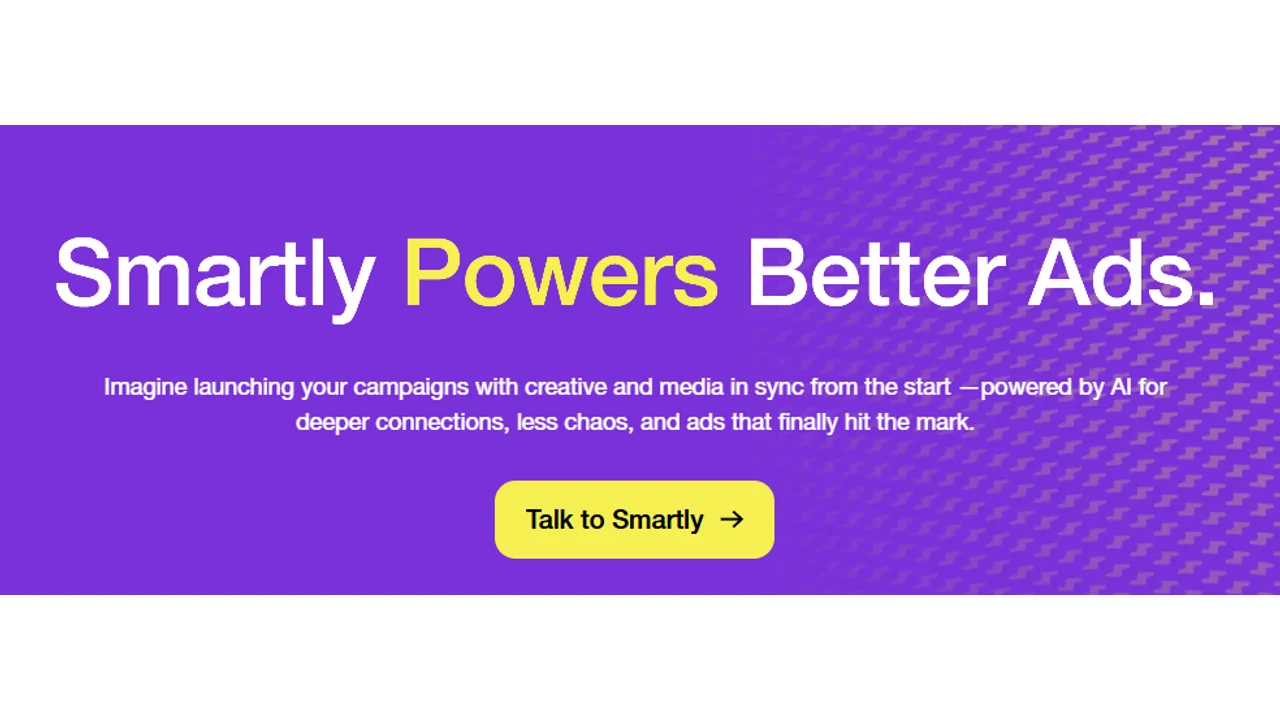
Pricing note: Smartly.io did not show public pricing during this research, and package terms can vary by region, currency, contract, account type, and service scope, so teams should contact Smartly.io or review the current website for enterprise pricing details.
Comparison Table
| Tool | Best For | Video | Static | Mockups | Free Plan | Starting Price |
|---|---|---|---|---|---|---|
| AdCreative.ai | High-volume static ads | Limited | Strong | Yes | No | Check current pricing |
| Creatify | Reels and video ads | Strong | Limited | No | Yes (limited) | Check current pricing |
| Predis.ai | Social + ad teams | Yes | Yes | Yes | Yes | Check current pricing |
| Canva Magic Studio | Beginners, free tier | Limited | Yes | Yes | Yes | Free |
| AdMaker by Predis | Client mockups | No | Yes | Strong | In Predis plan | - |
| Pencil | High-spend performance | Yes | Yes | No | No | Custom / check current pricing |
| Smartly.io | Enterprise operations | Yes | Yes | No | No | Enterprise |
How to Choose an Instagram Ad Creator: 4 Decision Points
1. What format do you need most?
If your Instagram strategy is Feed-first (static images, carousels), start with AdCreative.ai or Canva. If Reels and video are your primary placement, start with Creatify.
2. How many creatives do you ship per week?
Under 10 creatives per week: Canva or Predis.ai is enough. 10-50 per week: AdCreative.ai or Creatify justify their price. Over 50 per week with budget to match: Pencil or Smartly.io.
3. Are you running organic and paid together?
If your team manages organic Instagram posts alongside ads, Predis.ai’s combined workflow saves tool-switching and budget. If paid is your only focus, a specialized tool will produce better output.
4. Do you have ad performance data to feed the tool?
Tools like Pencil improve with data from your ad account. If you are just starting, this advantage does not exist yet - go with a simpler tool first and graduate to performance-connected platforms later.
Instagram Ad Formats: What Each Creator Handles
Instagram supports more formats than most teams use. Here is what matters for ad creative decisions:
Feed image (1:1 and 4:5): The original Instagram ad format. High volume, direct response. AdCreative.ai and Canva handle this best.
Stories (9:16): Full-screen, vertical. High engagement. Most tools support this format; Creatify’s video output is one of the better fits here.
Reels (9:16 video): A major placement for reach and discovery. If you are not producing Reels-ready ads, you may be limiting where your creative can compete. Creatify is a good tool to test for this format.
Carousel: Up to 10 frames, each with its own image and copy. Good for product catalogs and multi-benefit storytelling. Predis.ai handles carousel generation well.
Collection: A product catalog format requiring Meta Commerce integration. Most of the tools above do not handle this natively - it requires a Meta-side setup.
If your campaign objective is lead capture rather than traffic or sales, read the dedicated Instagram lead gen ads guide before choosing the creative format.
Common Mistakes When Using Instagram Ad Creator Tools
Skipping the brand kit setup. Every tool produces better output when you feed it your actual logo, colors, and fonts. Do this before generating a single creative.
Using the first output as the final creative. AI-generated ads are starting points, not finished products. Expect to edit copy, swap images, and adjust layouts before publishing.
Ignoring format requirements. A 1:1 asset cropped to 9:16 looks broken. Generate natively for each placement, or use tools with automatic resizing.
Treating creative score as gospel. Predictive CTR scores from AdCreative.ai and similar tools are directionally useful, not guarantees. Test; the real audience always surprises.
Using the same hook for every ad. The opening frame of a Reels or Stories ad determines whether the viewer keeps watching. Generate multiple hook variations and test them as the primary variable.
FAQs
What is the best free Instagram ad creator?
Canva with Magic Studio is a practical free starting point for static creatives. Creatify has offered a limited free tier for video ads, but check the current terms before relying on it.
Can I use these tools without a design background?
Yes. All tools listed here are built for marketers, not designers. The template and AI systems handle layout decisions.
Do these tools connect directly to Meta Ads Manager?
Creatify, AdCreative.ai, and Smartly.io offer Meta integrations. Canva and Predis.ai require manual export and upload.
How many variations should I generate per campaign?
A common benchmark for performance campaigns is 3-5 creative variations per ad set at launch, tested over 7-14 days before consolidating budget behind winners.
Are AI-generated Instagram ads allowed by Meta?
Yes. Meta does not prohibit AI-generated creatives. Normal ad policies (prohibited content, landing page compliance) still apply.
The Bottom Line
No single Instagram ad creator is the best for every team. The decision comes down to format, volume, and workflow:
- Static ads at volume -> AdCreative.ai
- Reels and video -> Creatify
- Organic + paid together -> Predis.ai
- No budget yet -> Canva
- High-spend, data-driven -> Pencil
If you are unsure, Creatify’s free tier and AdCreative.ai’s trial give you a real test without committing budget.