
Quick verdict
Instagram Lead Ads let you collect name, email, and phone without sending anyone to an external landing page. The form can pre-fill from the user’s Instagram profile, which often reduces friction compared with a separate landing page. The weak point is not the format - it is the creative that gets someone to tap the form in the first place. This guide covers both: how to set up Lead Ads correctly, and which AI tools can help produce the creative that makes them work.
What Are Instagram Lead Gen Ads?
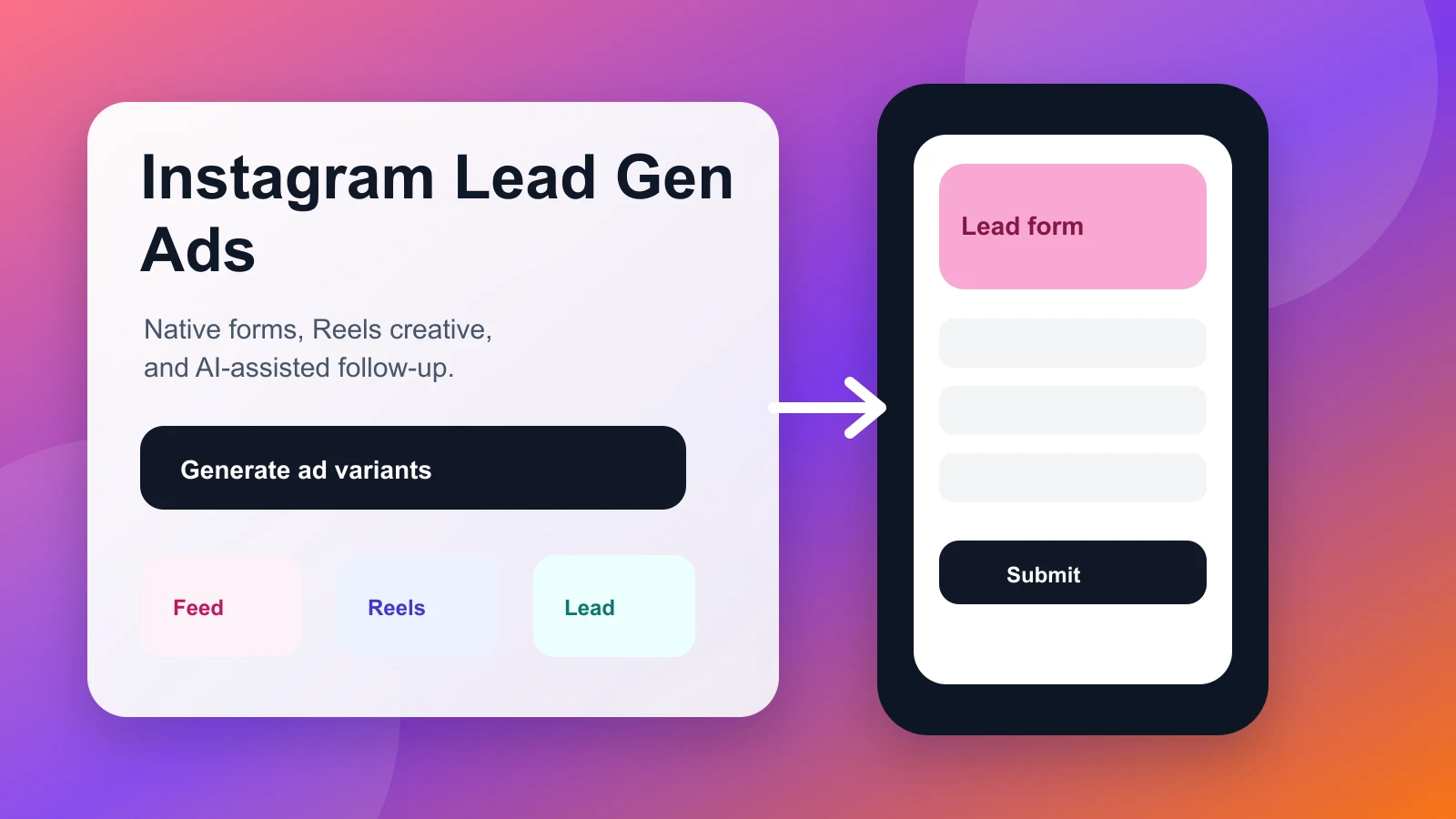
Instagram Lead Ads are a Meta ad format that opens a native form directly inside the Instagram app when someone taps your ad. The form pre-populates fields - name, email, phone number - from the user’s Meta profile. The user confirms or edits, taps submit, and the lead lands in your Meta Ads Manager or connected CRM.
No redirect. No landing page load time. No leaving Instagram.
That friction reduction is the entire value proposition. Many lead generation funnels lose a large share of clicks between the ad tap and the form submission because of page load time, layout confusion, or asking for too much information too early. Instagram Lead Ads remove most of that drop-off by design.
The format works for:
- Service businesses collecting consultation requests (real estate, insurance, legal, finance)
- SaaS and apps building email lists or trial sign-up flows
- Ecommerce brands building subscriber lists for launches or promotions
- Events and webinars capturing registrations without a standalone page
- B2B companies generating sales pipeline from Instagram’s professional audience
How Instagram Lead Ads Work: The Technical Basics
The form types
Meta offers three native form types for Instagram Lead Ads:
More Volume - designed for maximum submissions. Asks for minimal information, pre-fills as much as possible, minimizes confirmation steps. Best when quantity of leads matters more than qualification.
Higher Intent - adds a review screen before submission. The user sees their answers before confirming. Reduces volume but improves lead quality because people who abandon at the review step were unlikely to convert downstream anyway.
Rich Creative - adds an image and longer description at the top of the form. Best when your offer needs context before someone commits their contact details.
What fields you can collect
Native fields (pre-filled from Meta profile): full name, first name, last name, email, phone number, city, state, country, zip code, date of birth, gender, job title, company name, work email, work phone.
Custom questions: short answer, multiple choice, conditional branching (question 2 changes based on answer to question 1), appointment scheduling, product customization.
The general rule: collect only what you will actually use. Every additional field reduces completion rate. If your sales team only ever qualifies on email, do not ask for phone number.
Where leads go
By default, leads are downloadable as a CSV from Meta Ads Manager. For any real lead generation operation, you want real-time delivery to your CRM or email platform. Meta supports direct integrations and partner connectors for common CRM and email tools such as HubSpot, Mailchimp, Salesforce, and Zapier. Set this up before your first campaign or you will lose leads to response-time lag.
Setting Up Instagram Lead Ads: Step by Step
Step 1: Choose the Lead Generation campaign objective
In Meta Ads Manager, create a new campaign and select Leads as the objective. At the ad set level, select Instant Forms as the conversion location (as opposed to Website or Messenger).
Step 2: Define your audience
Instagram Lead Ads support all standard Meta audience types: saved audiences, custom audiences (customer list, website visitors, video viewers), and Lookalike audiences. For lead generation specifically:
- Lookalikes built from a clean existing customer list can outperform cold interest-based audiences, but test both
- Retargeting video viewers (people who watched 50%+ of a previous Instagram video) can convert at lower CPL than cold traffic
- Broad targeting (age + location only) can work at scale but requires more creative testing to find what resonates
Step 3: Build your Instant Form
Go to the ad level and select Create Form. Key decisions here:
Form name: Something that tells you the offer and date later (e.g., “Free Audit - June 2026”).
Intro section: Add your logo and a headline that states the specific offer, not your brand name. A concrete offer such as “Get a free Instagram ad audit” is usually a stronger test than vague copy such as “Learn more about [Company].”
Questions: Start with the pre-filled fields, then add custom questions only if they are essential for qualification. Most lead gen forms work best with 2-4 fields.
Privacy policy: Required. Link to your actual privacy page.
Thank-you screen: Do not leave this as the default. Add a specific next step - “Check your email in the next 5 minutes” or a link to a confirmation page that fires your tracking pixel.
Step 4: Connect your CRM
In Meta Ads Manager -> All Tools -> Instant Forms -> Lead Delivery, connect your CRM integration. Test it with a test lead (Meta provides a test lead tool in the form builder) before going live.
Step 5: Set your budget and bidding
For lead generation, start with daily budget rather than lifetime budget so you can adjust based on early CPL data. Bid strategy:
- Lowest Cost works for many early campaigns where you are still learning your baseline CPL
- Cost Cap is useful when you have a hard CPL ceiling from your unit economics
Give the algorithm at least 50 conversions per ad set before making budget decisions. Exiting the learning phase before that produces unreliable data.
Why Most Instagram Lead Gen Ads Fail (And How to Fix It)
The form setup is not where most campaigns fail. The creative is.
Instagram Lead Ads compete in the same feed as organic content, Stories, and Reels. If your ad does not stop the scroll, no one sees the form. Here are the five most common creative failures:
1. Leading with the brand, not the offer
“[Company Name] - Learn More” tells the viewer nothing about what they get. Lead with the outcome: “Free 30-minute Instagram ad audit” or “Get the ecommerce email template pack - free.”
2. Using a static image when Reels is the dominant placement
For many Instagram campaigns in 2026, Reels placements are a major source of impressions. A 1:1 static image in a Reels placement is cropped, out of context, and competing against full-screen video. Produce a 9:16 vertical video for any lead gen campaign with meaningful budget.
3. Not pre-qualifying in the creative
Lead quality matters more than lead volume for most businesses. If you are a B2B company targeting companies with 50+ employees, say that in the ad. “For marketing teams at growth-stage SaaS companies” attracts better leads and repels unqualified ones before they tap the form.
4. Sending every lead the same follow-up
Meta’s conditional form branching lets you ask qualifying questions and tag leads by answer. If you collect different leads by service type, product interest, or company size, segment them and send different follow-up sequences. A generic “thanks for your interest” email to every lead is table stakes; it does not convert.
5. Not testing the form type
Higher Intent forms often improve lead quality at the cost of lower volume. More Volume forms can produce more leads at higher acquisition cost post-qualification. Test both on the same audience and compare cost-per-qualified-lead, not cost-per-lead.
AI Tools That Improve Instagram Lead Gen Ad Results
The format is native; the tools are for the creative that drives the tap. Here is where AI genuinely helps:
For the video creative (Reels and Stories)
Creatify is a useful option for producing 9:16 video ads for lead gen. Its URL-to-video feature takes a landing page or product description and generates a short video with script, voiceover, and captions. For lead gen, the key edit is making the hook - the first 2-3 seconds - specific to the offer rather than the brand.
The avatar presenter feature is useful for service businesses: a synthetic spokesperson can deliver the offer with consistent tone across multiple video variations, which speeds up creative testing.
What to prompt: Give Creatify the specific offer, the target audience, and the qualifying statement you want in the first 3 seconds. Do not use the default output as-is; edit the script to open with the outcome, not the brand name.
For the static creative (Feed and Stories images)
AdCreative.ai handles high-volume static creative generation for lead gen. Feed it your brand kit plus the offer headline and it generates scored variations ranked by predicted CTR. For lead gen specifically, use the headline field to state the offer, not a brand tagline.
What to watch: AdCreative’s CTR score is trained on click-through rate data, not lead conversion rate. A creative that drives clicks does not automatically drive form completions - test both metrics before scaling.

For copy and script
Claude, ChatGPT, and other AI writing tools can generate multiple hook variations, form intro copy, and thank-you screen copy in seconds. The two most useful applications for Instagram Lead Ads:
- Generate 10 headline variations for A/B testing the form intro section
- Write multiple ad caption variations that each emphasize a different benefit of the offer
For AI video ad generators specifically, see our guide to the best AI video ad generators.
For the full workflow
Predis.ai connects creative generation with campaign-level planning. For teams running organic Instagram alongside paid lead gen, it reduces tool-switching. It is less specialized for pure performance ad creative than tools like Creatify or AdCreative.ai, but covers the end-to-end workflow in one dashboard.
Instagram Lead Gen Ads vs. Website Leads: When to Use Each
Lead Ads are not always the right choice. Here is the honest comparison:
| Factor | Instagram Lead Ads | Website Landing Page |
|---|---|---|
| Friction | Low (pre-filled form) | Higher (redirect + load time) |
| Conversion rate | Often higher for simple forms | Often lower if page speed or form friction is poor |
| Lead quality | Can be lower (low intent) | Can be higher (active research) |
| Customization | Limited to Meta’s form builder | Full control |
| Pixel / tracking | Limited (no post-submit page) | Full pixel + GA access |
| Cost | Often lower CPL | Often higher CPL |
| Best for | Volume, mobile-first audiences | High-ticket, research-phase buyers |
The practical answer for most businesses: test Lead Ads first for mobile audiences and simple offers. Use landing pages for high-ticket B2B or offers that need extended context to convert. Run both with the same creative at the same time on the same audience at least once - the winner surprises most teams.
Tracking and Measuring Instagram Lead Gen Ads
Meta’s native reporting shows leads, CPL, and form completion rate. That is not enough to optimize a real lead generation program. Track these additional metrics:
Lead-to-MQL rate: What percentage of Instagram leads become marketing-qualified leads? If this is low, the creative is attracting unqualified people.
Lead-to-close rate: For sales-led businesses, what percentage of Instagram leads eventually become customers? Compare this to leads from other channels to understand relative quality.
Contact rate: What percentage of leads can you actually reach? Leads with pre-filled emails from Meta profiles sometimes have lower deliverability than self-typed emails. Monitor bounces.
Time to first contact: Speed to lead matters. Treat the first few minutes after submission as the target window for your first response, especially for sales-led offers. This is a CRM and process problem, not a Meta problem - but it affects your ROI from Lead Ads.
Set up your CRM integration and automated first-touch email before you run a single dollar of Lead Ad budget. The creative optimization comes second.
Budget Benchmarks for Instagram Lead Gen Ads in 2026
Use the table below as a qualitative planning guide, not as a forecast. Your actual CPL depends on audience, offer, market, seasonality, and creative quality.
| Industry | CPL pattern to expect |
|---|---|
| Ecommerce (list building) | Often lower when the offer is simple and broad |
| SaaS (free trial / demo) | Often higher because qualification matters more |
| Real estate (consultation) | Can vary widely by city, inventory, and lead intent |
| Insurance | Often competitive and sensitive to qualification quality |
| Education / courses | Varies by ticket size, urgency, and audience specificity |
| B2B services | Often higher because the buyer pool is narrower |
Keyword research tools can show high top-of-page bids for terms around Instagram lead generation, which reflects what advertisers may pay to reach people actively searching for lead generation tools. Treat that as a competitiveness signal, not as a direct forecast for your Meta CPL.
If your current CPL is 2x or more above these ranges, the issue is often one of three things: wrong audience, weak offer specificity in the creative, or a form that asks for too much.
FAQs
Do Instagram Lead Ads work for B2B?
Yes, but with caveats. Instagram’s audience skews consumer; LinkedIn Lead Ads typically produce better B2B lead quality. That said, many B2B buyers are on Instagram. The key is qualifying in the creative - be explicit about company size, role, or industry to filter for relevant leads.
Can I use Instagram Lead Ads without a website?
Yes. The entire lead capture happens natively in the app. You need a Meta Business account and a Facebook Page, but no website. This makes Lead Ads particularly useful for local businesses, freelancers, and early-stage companies.
How long should my lead gen form be?
Start with 2-3 fields. Test adding a qualifying question (one custom question). Rarely go beyond 4-5 fields unless your downstream sales process requires specific qualification data.
What is a good form completion rate?
Industry benchmarks vary, but a 10-20% form completion rate after the ad tap is a reasonable planning range for many simple offers. Below 10% may signal that the form asks for too much or the offer does not match the creative promise. Above 20% often means the creative is well-matched to the audience.
How do I download leads from Instagram Lead Ads?
In Meta Ads Manager -> All Tools -> Instant Forms. Download as CSV, or connect a CRM integration for real-time delivery. CSV download is manual and causes response-time lag - set up the CRM integration.
Can I customize the Instagram Lead Ad form URL?
No. Lead Ads use a native Meta form, not a URL. There is no landing page URL to customize. If you need full URL control, use the Website objective with a dedicated landing page instead.
The Bottom Line
Instagram Lead Ads are one of the most underused formats for businesses that have proven their offer but struggle to scale lead volume. The low-friction native form, pre-filled Meta profile data, and mobile-first format give them a structural CPL advantage over most landing page funnels.
The lever that most teams miss is the creative. A generic brand-first ad with no specific offer produces low-quality, low-volume results regardless of how well the form is configured. An offer-first creative with a qualifying statement, tested across static and video formats, is what makes the format work.
If you are starting from zero: build the Creatify or AdCreative.ai trial account, generate 3-5 creative variations with different hooks, test all of them in the same ad set at a small daily budget, and cut everything after 7 days except the lowest-CPL performer.
For more on the AI tools that power the creative side, see our guides to the best AI Instagram ad creators, the best AI video ad generators, and the best AI UGC ad generators.