
Quick answer
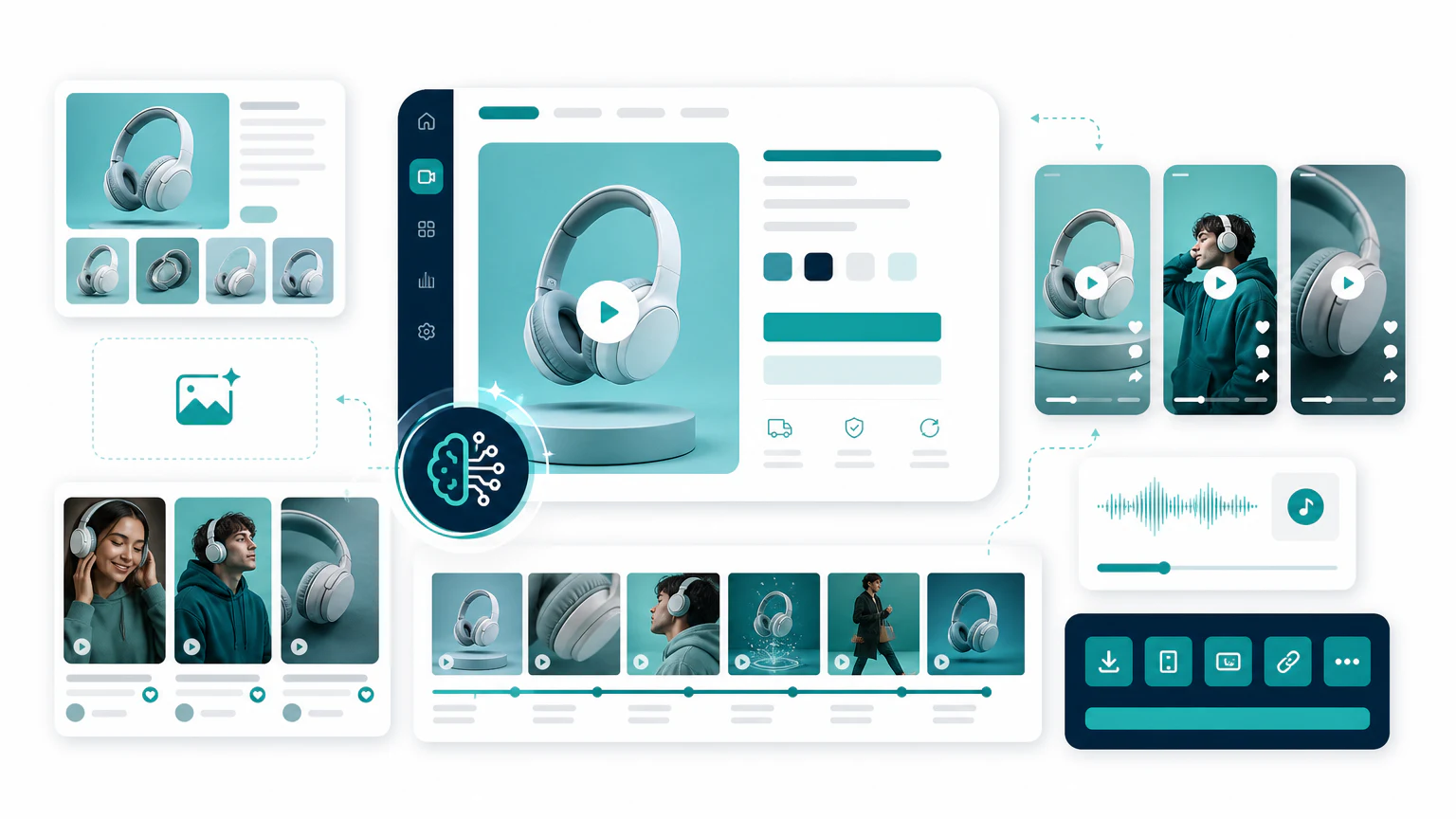
AI video ads for ecommerce work best when you build a simple creative system:
- Start with accurate product visuals.
- Write short hooks for one buyer problem.
- Create product demo videos.
- Create UGC-style videos.
- Create avatar or presenter versions when explanation matters.
- Test the clearest message before scaling.
This article is about the strategy and workflow. For tool rankings, read best AI ecommerce video generators and best AI product video generators.
Why ecommerce video ads are different
Ecommerce video ads need to do more than look good. They need to:
- show the product,
- explain the use case,
- reduce doubt,
- make the offer clear,
- match the landing page,
- work on mobile,
- create enough variations for testing.
That is why generic AI video tools are not always enough. The best ecommerce workflow combines product visuals, ad copy, product video generators, UGC tools, and platform-specific edits.
Core formats to create
1. Product demo video
This is the simplest format. It shows what the product is, what it does, and why someone should care.
Use it for:
- product pages,
- Meta ads,
- TikTok ads,
- email campaigns,
- retargeting.
2. UGC-style video
This format feels closer to creator content. It works well when the product benefits from a conversational explanation.
Use it for:
- TikTok,
- Reels,
- Shorts,
- direct-response ads,
- hook testing.
3. Avatar explainer
This format works when the product needs more education or when you want localized presenter-led versions.
Use it for:
- product explainers,
- SaaS ecommerce,
- B2B products,
- multilingual campaigns,
- higher-consideration offers.
Tool stack
| Need | Tool category | Examples |
|---|---|---|
| Product images | AI product photo tools | Photoroom, Pebblely, Claid.ai |
| Product videos | AI product video generators | Creatify, InVideo AI |
| UGC-style ads | AI UGC generators | Arcads, HeyGen |
| Avatar explainers | AI avatar ad generators | HeyGen, Synthesia |
| Editing and captions | Social video editors | VEED, Canva, CapCut |
Example workflow
Imagine you sell a portable blender.
Product demo angle
Hook: Smoothies without a full kitchen.
Scene 1: Show the blender on a desk.
Scene 2: Add fruit and liquid.
Scene 3: Show it blending.
Scene 4: Show the final drink.
CTA: Shop the portable blender.
UGC-style angle
I wanted smoothies after the gym, but I hated carrying a big bottle.
This portable blender fits in my bag and charges by USB.
It is simple, but it makes my routine easier.
Avatar explainer angle
This portable blender is made for people who want quick smoothies away from home.
It is compact, rechargeable, and easy to use at work, after the gym, or while traveling.
Internal links for the full workflow
- Start with AI product photo generators if your product images are weak.
- Use AI product video generators for product demos.
- Use AI UGC ad generators for creator-style variations.
- Use AI avatar ad generators for presenter-led explainers.
- Use AI TikTok ad generators or AI Facebook ad generators for platform-specific workflows.
Ecommerce video ad checklist
Before launch:
- Product appears in the first few seconds.
- The hook names a real problem or use case.
- Captions are readable.
- The claim is accurate.
- The CTA matches the product page.
- The video works without sound.
- The format matches the platform.
- Synthetic presenters are handled transparently.
FAQ
Do AI video ads work for ecommerce?
Yes. AI tools can turn product images or a product URL into demo, UGC-style, and avatar videos for paid social and product pages. They work best when the product and offer are already clear.
What is the best type of video ad for ecommerce?
Test three: a product demo, a UGC-style pitch, and a short avatar explainer. The winner depends on the product and audience, so let performance decide.
How many video ad variations should I start with?
Start with three to five variations of the same core offer, changing one variable at a time (hook, format, or angle) so you can tell what actually works.
Do I need a video editor for AI ecommerce ads?
Not to start. Most AI tools export social-ready clips, but a light editor helps you trim, add captions, and fit each placement.
Final recommendation
Do not create one “perfect” ecommerce video ad. Create a small set: one product demo, one UGC-style pitch, one avatar explainer, and one short retargeting version. Then let performance data show which angle deserves more budget.